Points
The Points group on the Create ribbon contains a tool to generate a points object from the holes.

 Points From Holes
The Points From Holes tool allows you to generate a point text file from a selection of holes.
To generate a point text file, follow these steps:
-
Select the desired holes in the view window or data explorer.
-
On the Create ribbon, in the Points group, select
Points from Holes.The Points From Holes panel will appear.
-
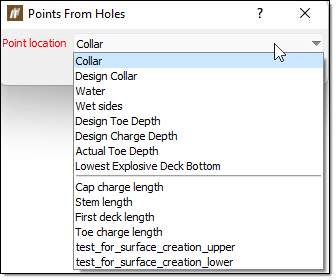
Select a surface location or down-hole property from the Point location drop-down.
-
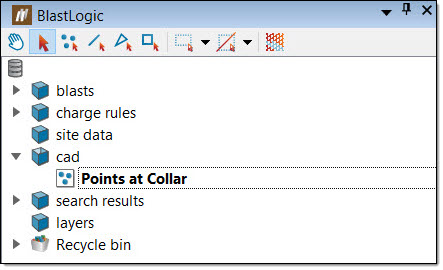
Click OK or Apply. The points object will appear in the cad container in the data explorer.
-
Optionally, you can export the object as a point text file. To do this:
-
Select the object in the data explorer.
-
On the Home ribbon, in the Data group, select Export. The Export panel will appear.
-
Select Point text file (*.txt) from the Export as drop-down.
-
Enter the location you wish to save the file in the Path field.
-
Click OK or Apply.
-