Configuring Preferences
To set preferences such as units, coordinate systems and view window defaults, you can configure the Preferences panel.
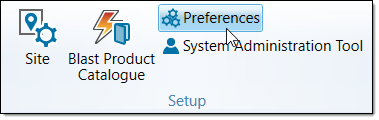
You can navigate to the Preferences panel using the following methods:
-
Click on the
 Maptek launch button and go to Preferences > BlastLogic Preferences.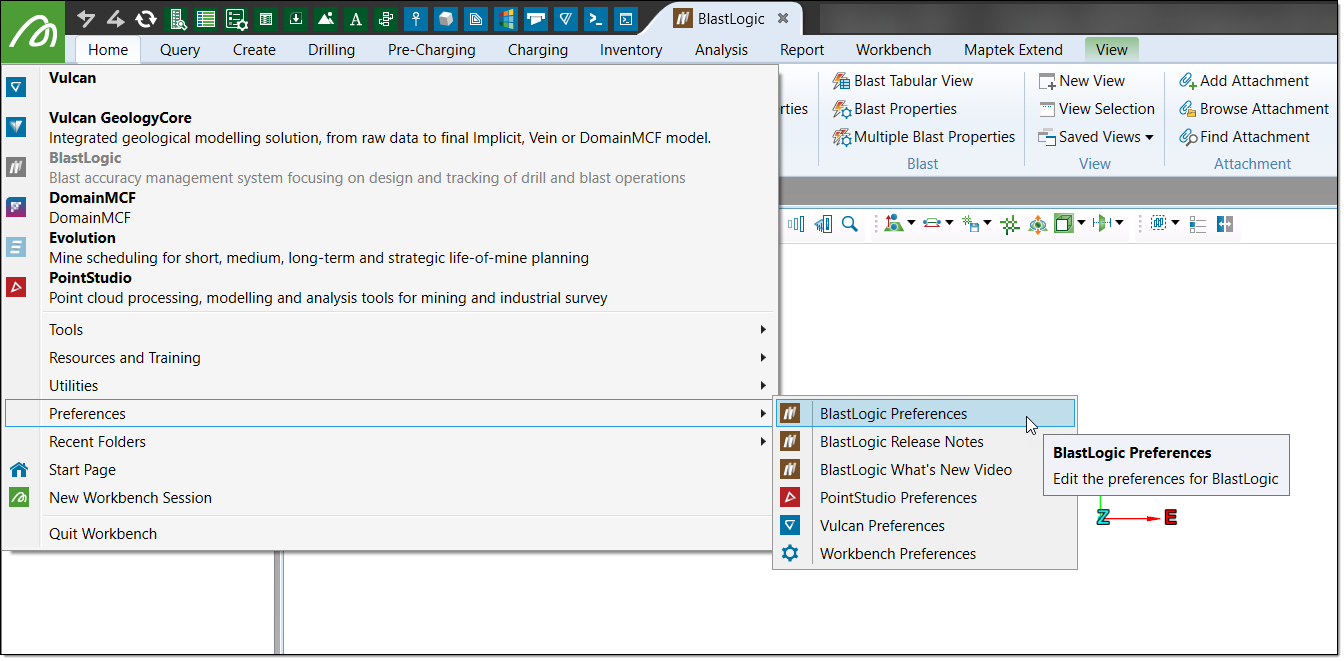
-
On the Home ribbon, in the Setup group, select Preferences.
-
Click on the
 preferences button in the Workbench ribbon and select BlastLogic Preferences.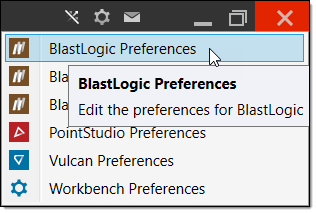
Note: For more information on the preferences panel, see the preferences section on the Setup page.
