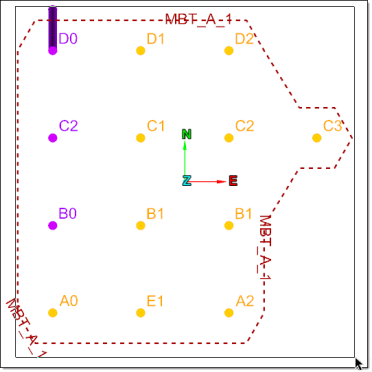
Making a Selection
Source file: making-a-selection.htm
Almost all of the tools in BlastLogic require you to make a selection of data. In BlastLogic, you can either select objects in the project explorer or in the view window.
Tip: For more information on modifying the type of selection, see Selection toolbar.
Selecting objects
To select an object, you can use either of the following methods:
-
Click on the object in the project explorer.

Or
-
If the object is open in a view window, you can click on it in this view.
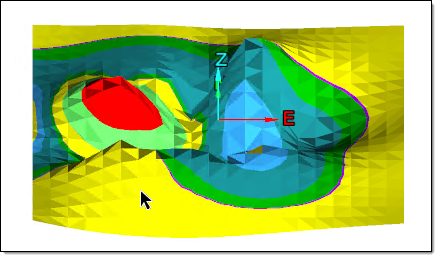
Selecting holes
You can use the following options when selecting holes:
-
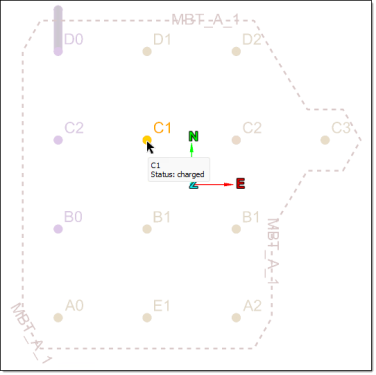
To select a single hole, load the associated blast into the view window and click on the desired hole.
-
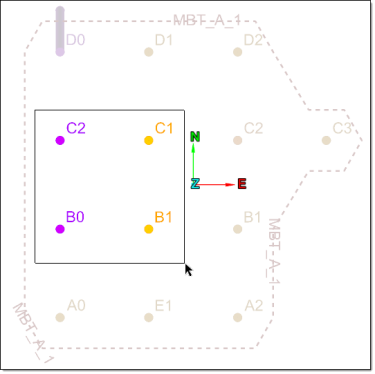
To select a group of holes in a blast, click and drag the cursor over the desired holes in the view window.
-
To select all of the holes in a blast, you can click and drag the cursor over all the holes in the view window or select Holes under the associated blast container in the project explorer.