Creating a Waste Dump (Solid)
To create a waste dump (solid):
-
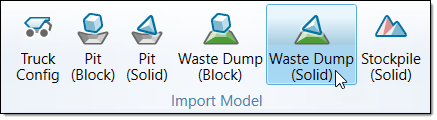
On the Home ribbon, from the Import Model group, select Waste Dump (Solid). A transform will appear in the viewer.
-
Click Browse in the Vulcan Triangulation Input. The file explorer will open.

-
Select the desired folder and click Select Folder to import.
