Text
Source file: create-text.htm
Text can be
used to label data in a view
window.
-
On the Create ribbon tab, go to the Create group. From the Annotation drop-down list select
 Text.
Text.
-
On the status bar, enter the text location then click
 , or click on the location in the view
window. You will then be prompted for the text.
, or click on the location in the view
window. You will then be prompted for the text.
- Enter
the required text then click or press Enter.
The
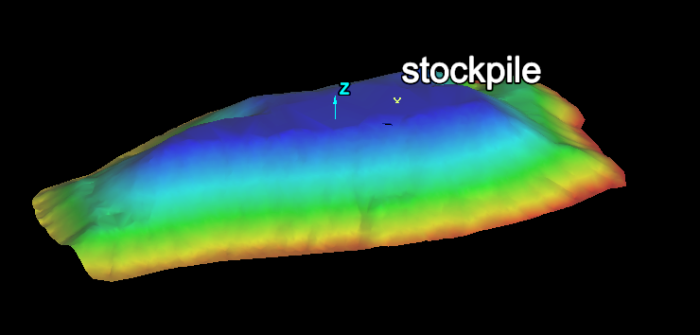
text is saved in the cad  container by default and is displayed in the active view window.
To edit the text properties
You can edit text properties at any time.
-
Highlight the text in the project explorer.
-
On the Edit ribbon tab, go to the Properties group and select
 Properties. The appropriate tab is automatically selected and ready for editing.
