Corner
Source file: corner-lines.htm
This function allows you to select and change corner details where lines or edges connect. The available corner types include:
- Fillet
- Chamfer
- Scallop
-
On the Edit ribbon tab, go to the Line group and select
 Corner.
The Corner panel will open. -
Select the Cornering type required.
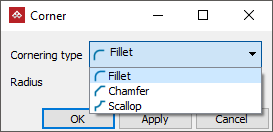
-
Use point selection to select one or more corners, then adjust the radius. A preview of the modified corners is displayed as the slider for the radius is adjusted.
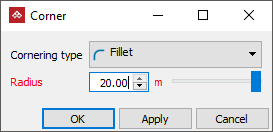
Tip: Use object selection to modify all corners simultaneously.
- Click OK or Apply to complete the action.
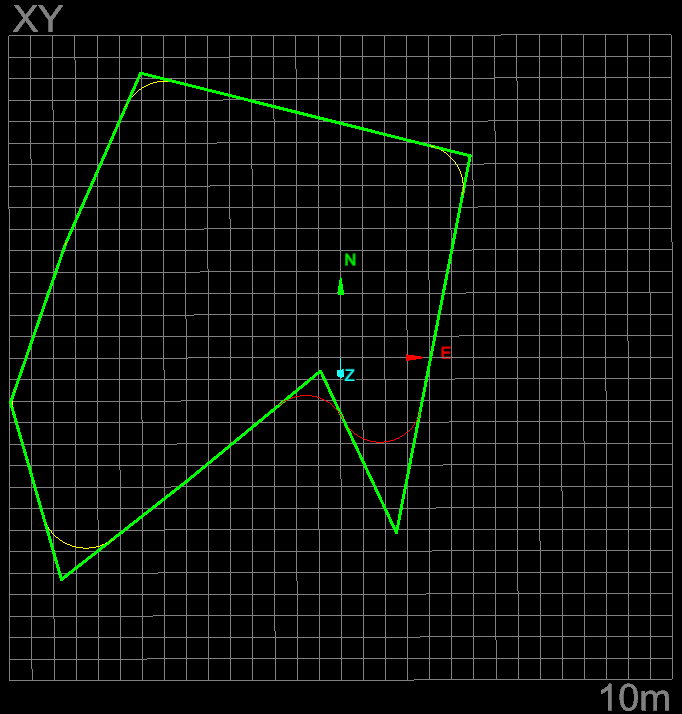
Example of a shape with corners being modified. (Preview stage)
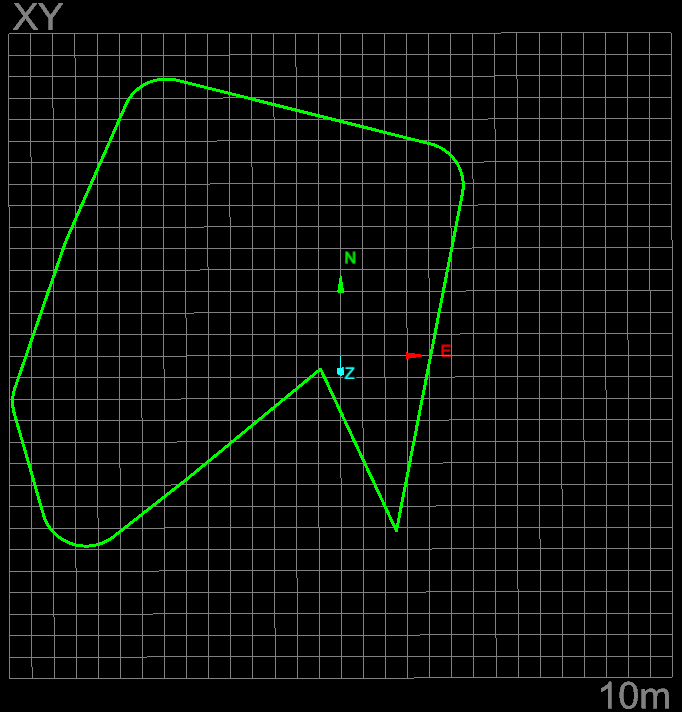
Example of a shape with corners being modified. (Completed stage)
