Extend
Source file: extend-to-face.htm
Use Extend to extend a line segment to a facet, line or point.
Note: The plane must not be parallel with the line segment.
-
On the Edit ribbon tab, go to the Line group and select
 Extend.
 -
Select the line segment to be extended.
-
Click on the defining facet, line or point. The line segment is extended.
-
Click OK or Apply to finish.
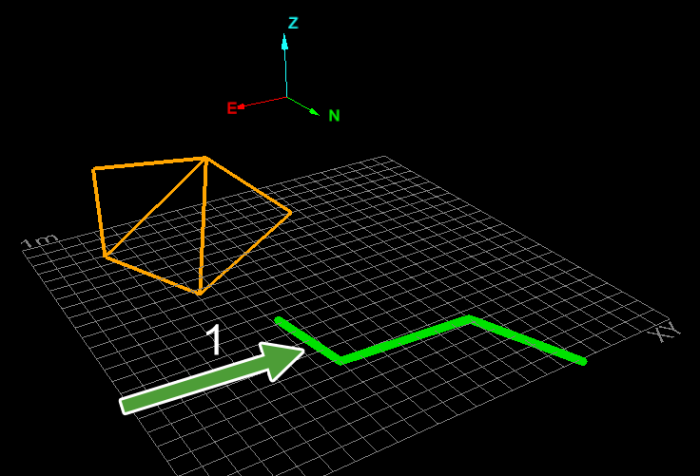
Selecting a line segment.
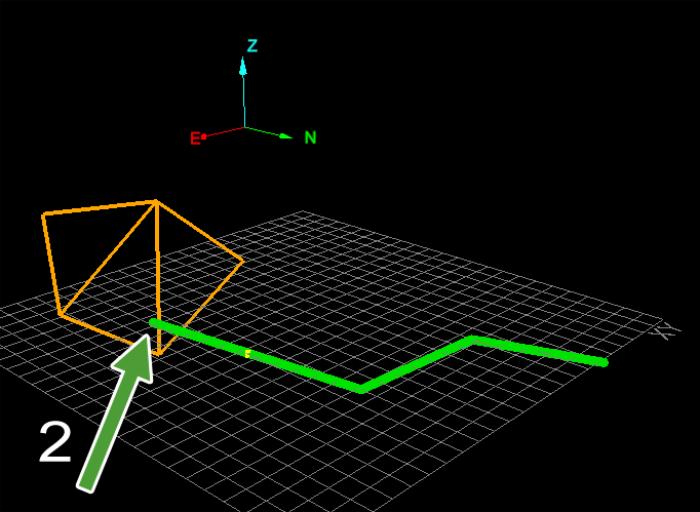
Selecting a facet to extend to.
