Arbitrary Sections
Source file: arbitrary-sections.htm
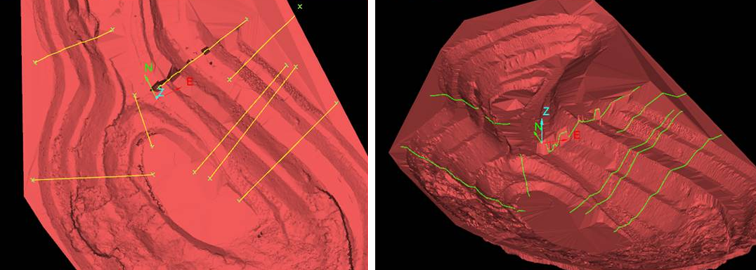
Arbitrary sections can be created to enable comparison of surfaces.
-
On the Create ribbon tab, go to the Topology group and select
 Arbitrary Sections.
-
On the status bar, enter the start point, or click in the view window.

-
On the status bar, enter the end point, or click in the view window.

-
Create more sections as required and click
 or press Enter to finish. The sections are created and saved in the contours
container.
or press Enter to finish. The sections are created and saved in the contours
container.