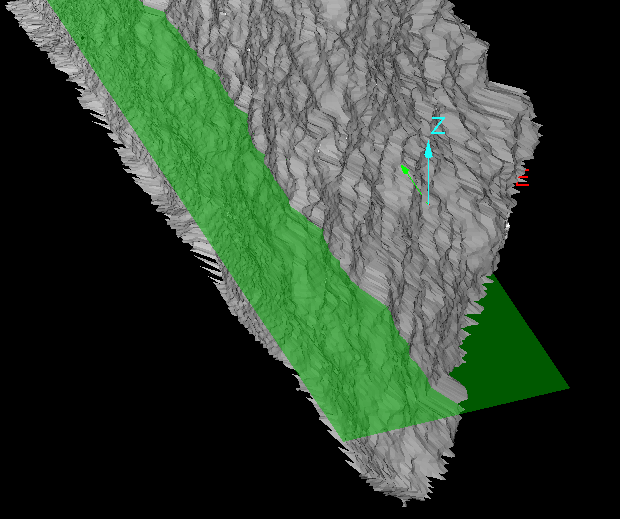
Horizontal Plane
Source file: create-a-horizontal-plane.htm
Use this tool to create a horizontal plane, which can be used to represent a water level, as a reference for design bench RL and to assist in volume calculation. It can also help with positioning objects such as points, lines, circles, polygons and rectangles.
Note: If you are drawing objects and there are multiple horizontal planes in view, points picked for creating objects will be placed on the horizontal plane in the foreground of the view, regardless of which plane is actually selected. Depending on the object being drawn, points may be projected to the action plane.
-
On the Create ribbon tab, go to the Create group and select
 Horizontal Plane.
The tool opens in the status bar.

-
On the status bar, enter the plane's elevation in the Location field, or click a point in the view window.
Tip: Use the snap modes if you’re placing the plane by clicking on a specific point.
The plane is created perpendicularly to the Z axis and saved in the cad container.