Simplify
Source file: simplify-lines.htm
Simplify line is used to remove excess points while retaining the shape of a line. This tool is useful for lines created using Smart line.
-
On the Edit ribbon tab, go to the Line group and select
 Simplify.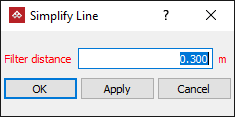
-
Enter a Filter distance. This specifies a maximum distance between points on the original line and the simplified line. The smaller the filter distance, the more points are retained and the more detailed the simplified line.
-
Select the line from the cad container.
-
Click OK or Apply to finish.
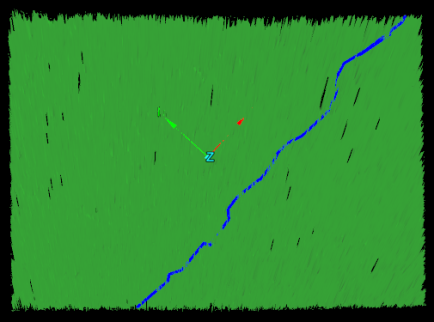
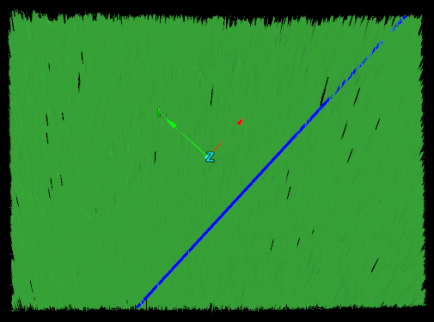
Before (left) and after (right) simplifying a line.
Note: Simplified objects can be recovered using
the Undo option.
