Snap Points
Source file: to-snap-points.htm
This option is used to slightly move points (that are close together) to the same point.
Points can be very close but not on the same point as a result of:
- Using
the
 Extend tool
on fitted planes. Numerical rounding means the points are very close
but not exactly on the same point.
Extend tool
on fitted planes. Numerical rounding means the points are very close
but not exactly on the same point. - Importing
data from other software packages. This data can have points that
are close, but are meant to be on the same point.
-
On the Edit ribbon tab, go to the Fix group and select
 Snap Points.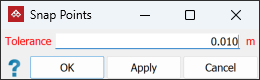
-
Select the two points to be snapped.
-
Enter the Tolerance. This defines the maximum distance between points for a snap to occur.
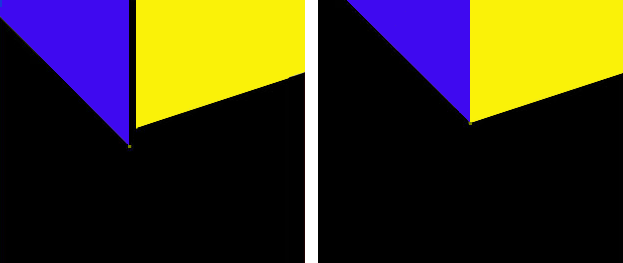
Close up of two planes with a result after snapping the points
