Isolated Points
Source file: filter-by-isolated-points.htm
Use Isolated points filter
to filter points that are a large distance from any other points. This
can be useful for filtering dust particles or insects that have been
scanned.
-
On the Position and Filter ribbon tab, go to the Filter group. From the Filters drop-down list select
 Isolated Points.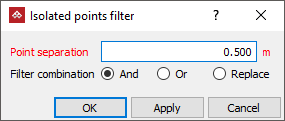
-
Specify a Point separation. Points without a neighbouring point within this distance will be filtered.
-
Select the required Filter combination.
-
Click OK or Apply
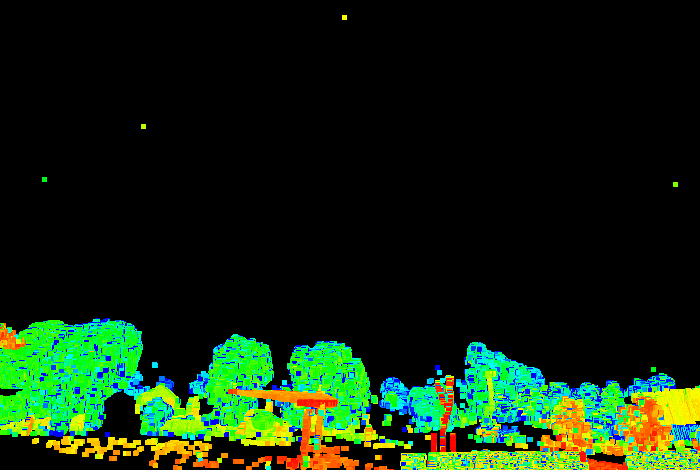
Before
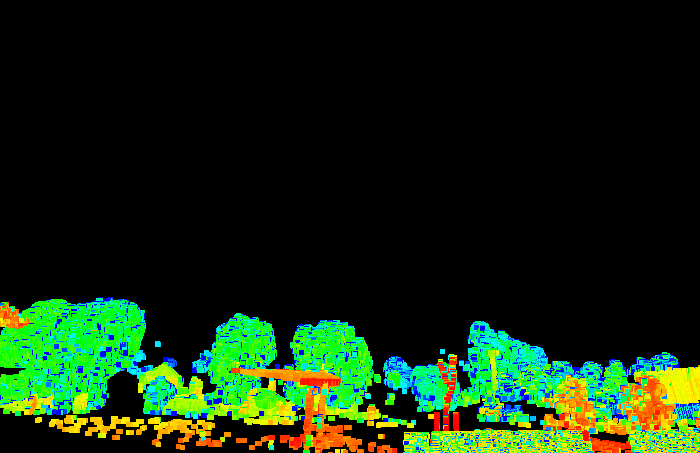
After
Tip: You can redisplay the points
hidden by the filter using the  Show All option. See Show All.
