Create Cell
Source file: create-cells.htm
Create cell will create a single cell object which can contain a number of selected cell runs. This cell object can be used to group cell runs of a specific pit or area. The cell can be combined with other pit and wall features for other cell mapping functions.
-
On the Geotechnical ribbon tab, go to the Cell Maps group and select
 Create Cell.
A new empty cell will be created. -
Select all cell runs to be grouped into the new cell.
-
Drag the cell runs onto the new cell object. The cell runs will be placed inside the new cell object.
-
Rename the new cell if desired to a name representative of the particular group of cell runs. Creating a new cell named 'Eastpit' containing all the cells within eg.. cell 1, cell 2, cell 3 educ.
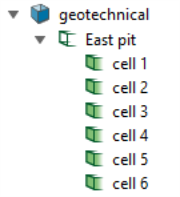
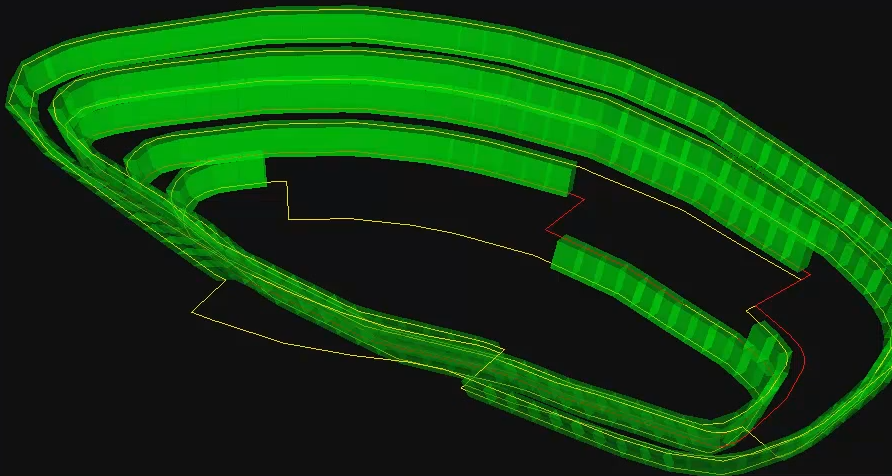
Example of all cell runs selected and placed inside the new cell object East pit
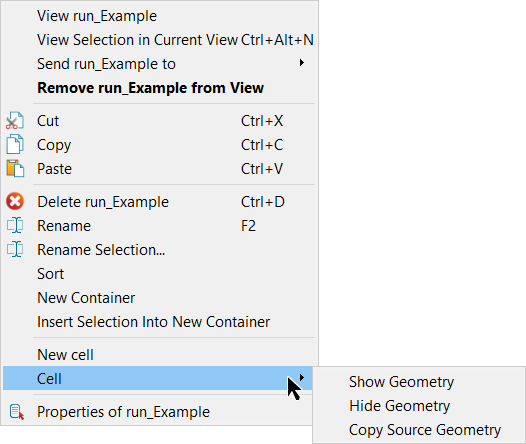
Right-clicking on appropriate objects can bring up cell functions such as:
- New cell: same as Create Cell (see above)
- Cell > Show geometry: show selected cells
- Cell > Hide geometry: hide selected cells
- Cell > Copy Source Geometry: create a copy of the geometry in the geotechnical container.