Create Set
Source file: create-a-discontinuity-set.htm
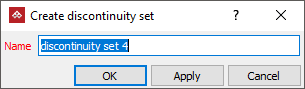
Create a discontinuity set containing multiple discontinuities. Discontinuities can be grouped into logical sets and passed to other functions more conveniently.
-
On the Geotechnical ribbon tab, go to the Dip and Strike group and select
 Create Set.
 -
Select the discontinuities in the project explorer to be included in the set.
-
Click OK or Apply to complete.
Alternatively
-
Select the discontinuities in the view window.
-
Right-click on one of the discontinuities in view for the context menu and select Create set....
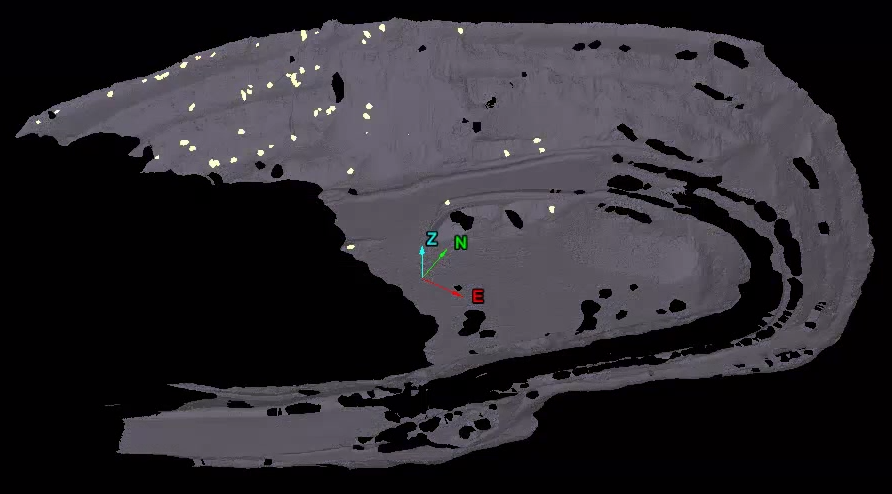
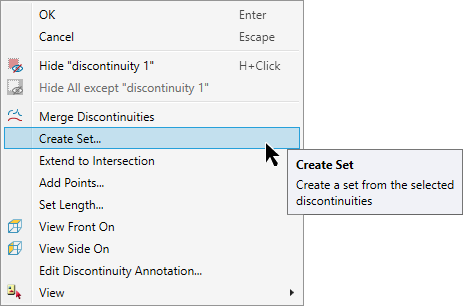
A new discontinuity set will be created in the geotechnical container with the selected discontinuities.
