Edit Annotations
Source file: edit-discontinuity-annotations.htm
This command
allows you to choose the colour of discontinuity text annotations.
-
In the Geotechnical ribbon tab, go to the Edit group and select
 Edit Annotation.
 -
Select the discontinuities to be edited.
-
Choose colour by clicking on the colour box to open the colour swatch. Select a colour from the available options.
-
The colour is instantly applied.

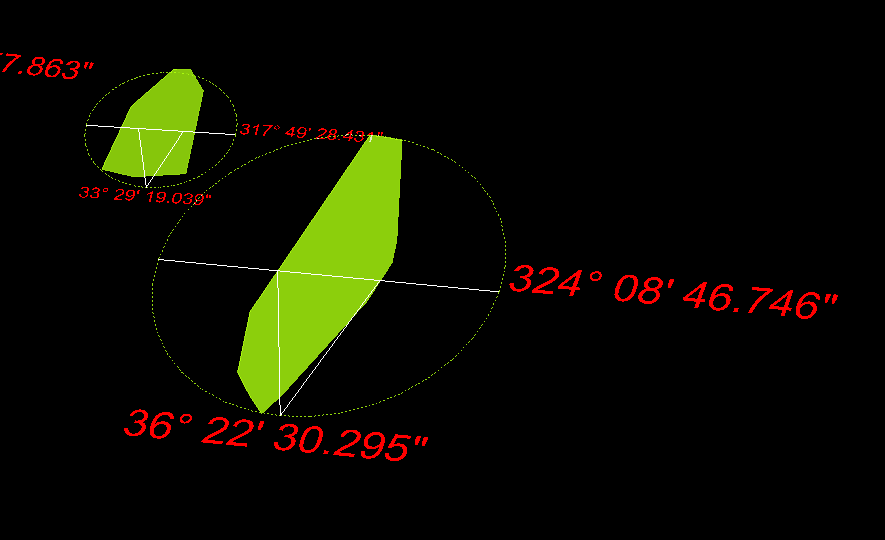
Selected colour (red) applied to discontinuity annotations (text).
