Updating Licences
Source file: update-licence.htm
The software licence must be updated periodically. This is to prevent unauthorised use of Maptek software.
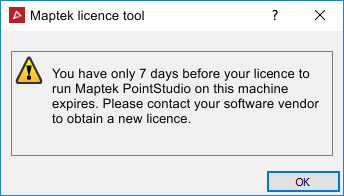
When the licence
is due to expire in nine or fewer days, a reminder message will appear.
Update your
licence through Maptek Account
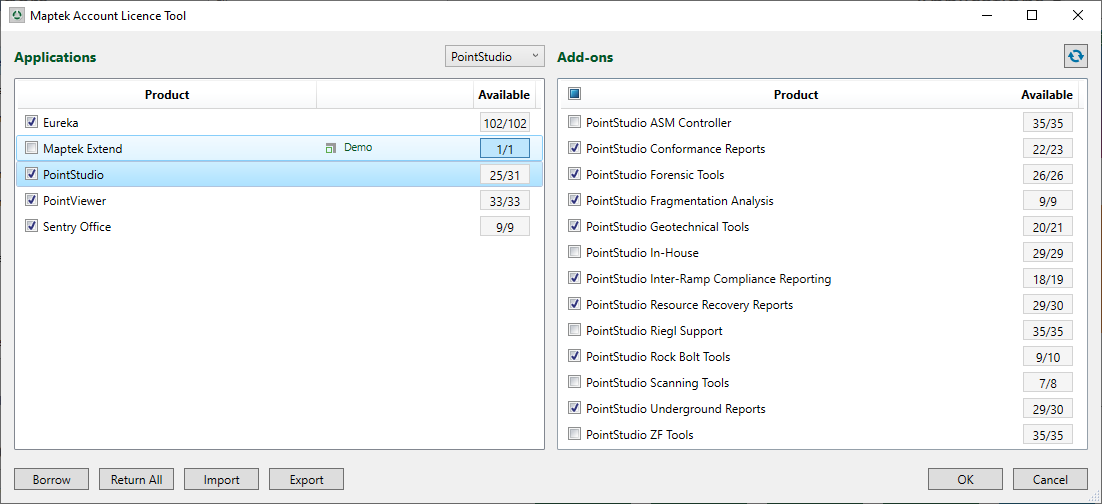
Licence Tool. On the Workbench ribbon, in the Licence group, click  Maptek Account Licence Tool.
If no internet
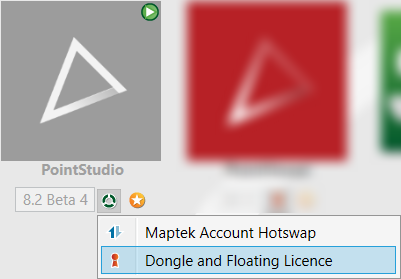
is available, but you do have a dongle then go back to the Workbench start page, click the licence
button  and choose Dongle
and Floating Licence.
and choose Dongle
and Floating Licence.