Offset Surface
Source file: offset-surface.htm
Used to create a facet network at a fixed distance from the selected object. This can be useful for cad modelling of data.
An offset surface can be made from points, lines, loops or surfaces.
-
On the Create ribbon tab, go to the Surface group and select
 Offset Surface.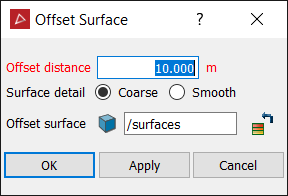
-
Enter the Offset distance for the surface.
-
Select a Coarse or Smooth surface. Smooth surfaces contain more triangles and will take longer to create.
-
The offset surface is saved in the surfaces container by default. You can change this in the Offset surface field.
-
Click OK or Apply to create the surface.
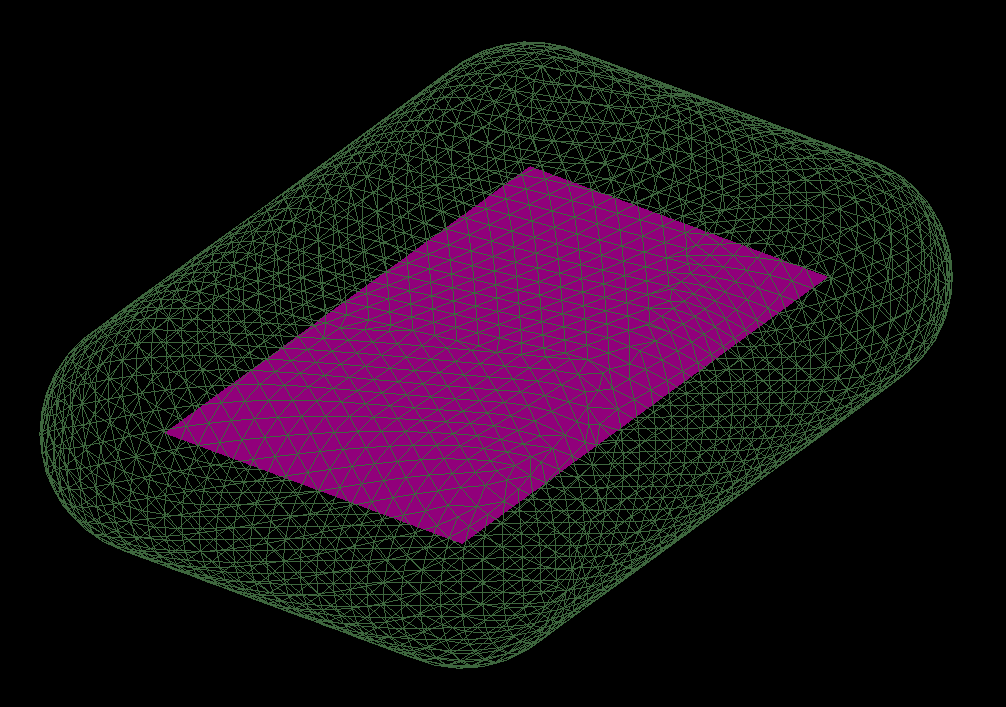
An offset surface created from a plane; the offset surface is displayed as wireframe.
