Properties
Source file: query-data-properties.htm
The data properties query displays spatial and other data. The query works on any selection, including multiple selections on any type of data.
The properties query is also available in the project explorer and view window context menus for objects.
Tip: To query the size of the total project right-click on it in
the project explorer and select  Properties of <project name> from the context menu.
-
Highlight the data to be queried in the project explorer, or select the data in the view window.
-
On the Query ribbon tab, go to the Geometry group and click
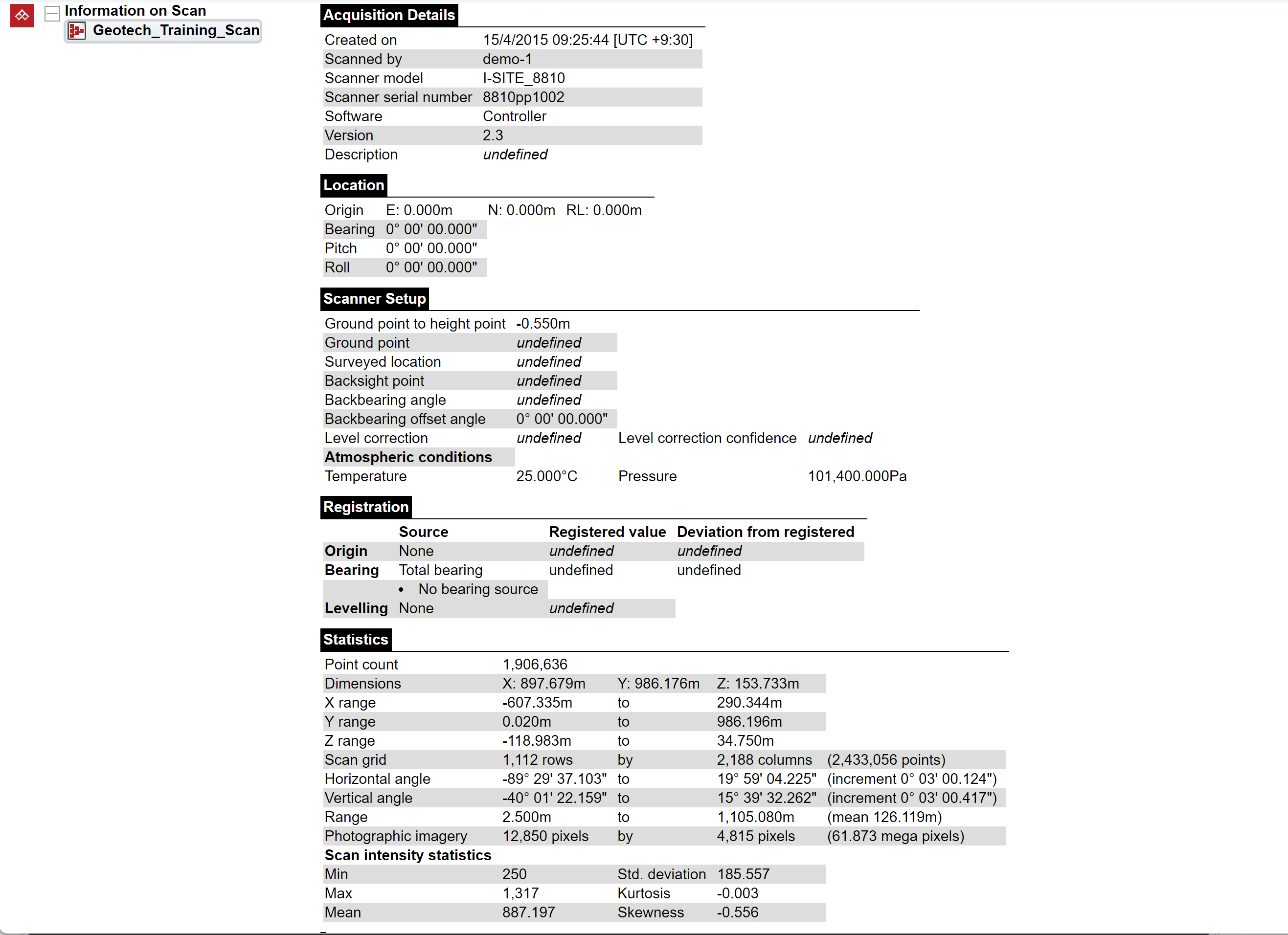
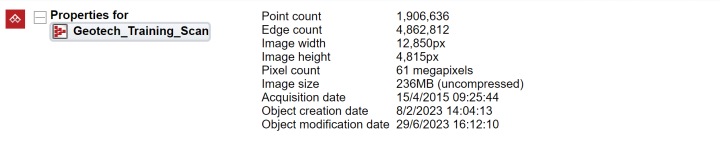
Properties.The basic properties of the selected objects will be listed in the report window.
-
Click
Properties a second time to get a complete list of properties.