Surface Boundaries
Source file: query-surface-boundaries.htm
The surface boundaries query can be used to display an edge network defining the boundaries of a surface.
-
On the Query ribbon tab, go to the Boundary group and select
 Surface Boundaries. Alternatively, on the
Create ribbon tab, go to the Topography group and select Surface Boundaries
Surface Boundaries. Alternatively, on the
Create ribbon tab, go to the Topography group and select Surface Boundaries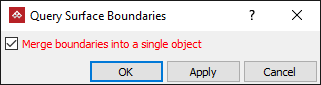
- With
Merge boundaries into a single object
either:
- Select to include all loops in a single edge network.
- Clear to create the edge loops as separate objects.
Or
-
Click OK or Apply to finish.
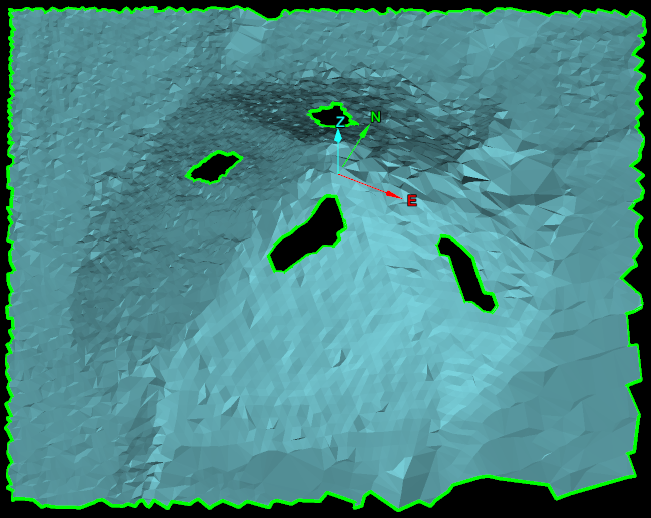
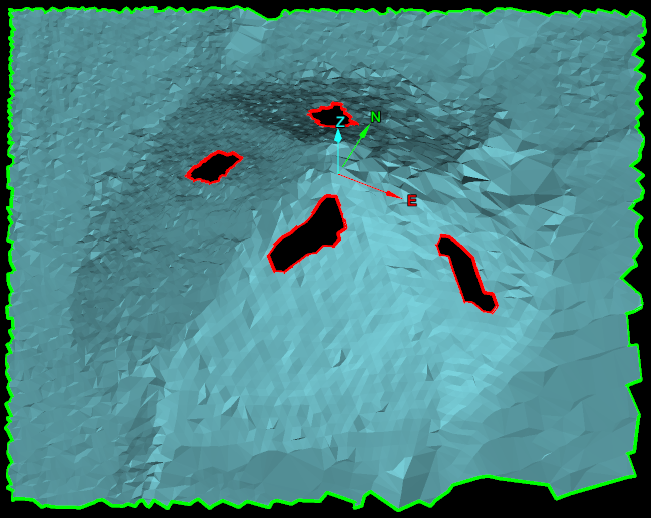
Surface boundaries have been created as a single edge network (left) and as edge loops (right). Edges are represented in green and holes in the surface are represented in red.
