New View
Source file: new-view.htm
The New View tool will create a blank view window ready for creating or dragging objects into.
To create a blank view window go to the
Home ribbon tab, navigate to the View group and select  New View.
|
A new view window will be created with the tab labelled <Empty>. This window will have nothing in it. |

|
There are a several ways of adding objects to this new blank window. Expand below for details.
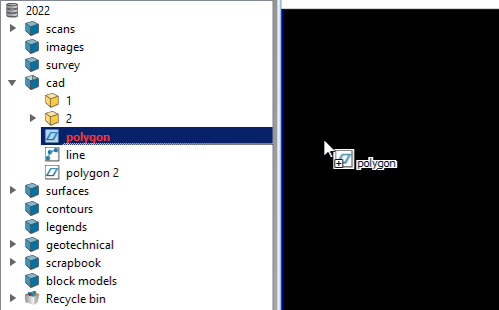
 The drag method
The object will be displayed in the new window and its tab will rename to the object in display. For example,
|
|
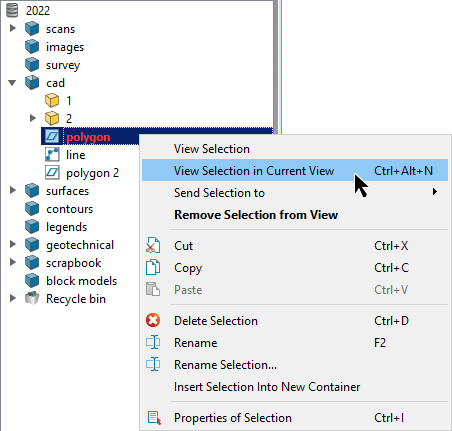
 From the context menu method 1
|
|
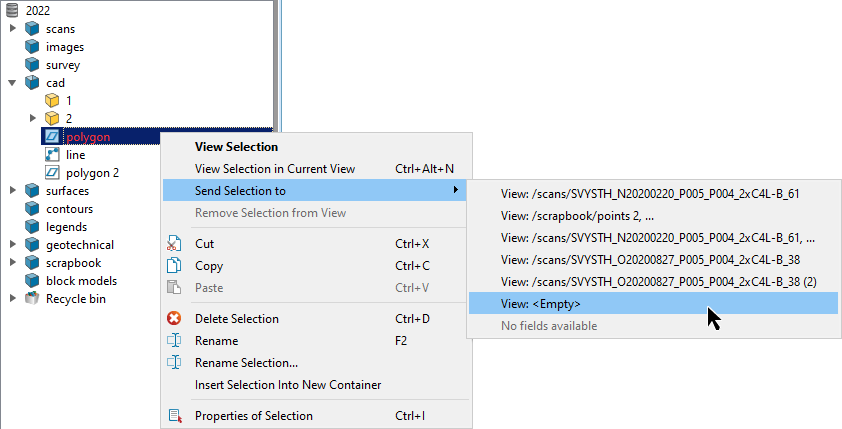
From the context menu method 2
The object will be displayed in the new window and its tab will rename to the object in display. For example,
|
|
