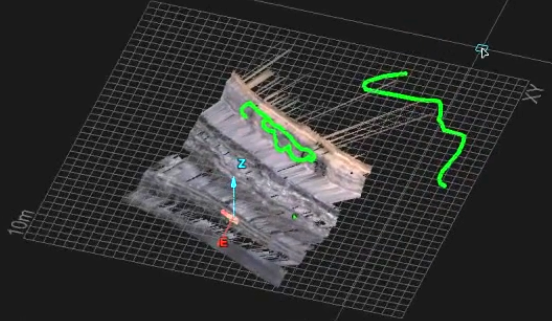
Creating a Freehand Line
Lines can be created to manipulate or add to existing data. Freehand lines can be drawn anywhere in 3D space along the path created by dragging the mouse. The normal CAD tool rules apply regarding how the Freehand line is created on objects or how it will follow the Action plane.
-
On the Create ribbon tab navigate to the Draw group. From the Line drop-down list select
 Freehand Line.
 -
Click to start the Freehand line and drag the line across surfaces and or features as desired. Click again to finish the line.
The Status bar will display the following fields. Enter appropriate data or click on screen and commence dragging mouse.