Extend to Face
Use Extend to extend a line segment to the plane represented by a facet (of an object).
Note: The plane must not be parallel with the line segment.
-
Select the line segment with
 (line selector) to be extended.
 -
Right-click on the line and navigate to
 Edit then select
  Extend Line to Face....The cursor changes to the facet selector and the Select
facet prompt appears.
Extend Line to Face....The cursor changes to the facet selector and the Select
facet prompt appears. -
Click on desired facet. The line segment is extended.
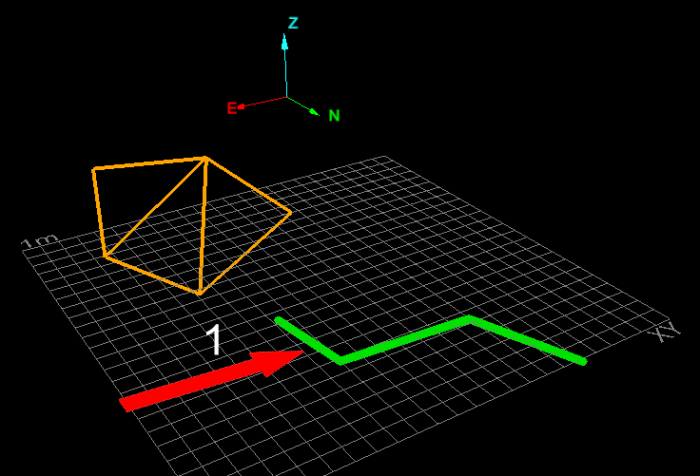
Example of selecting a line segment.
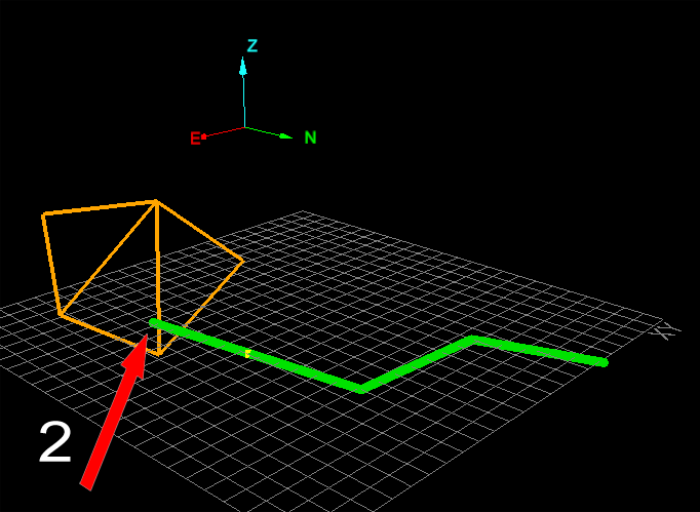
Example of selecting a face to extend to.