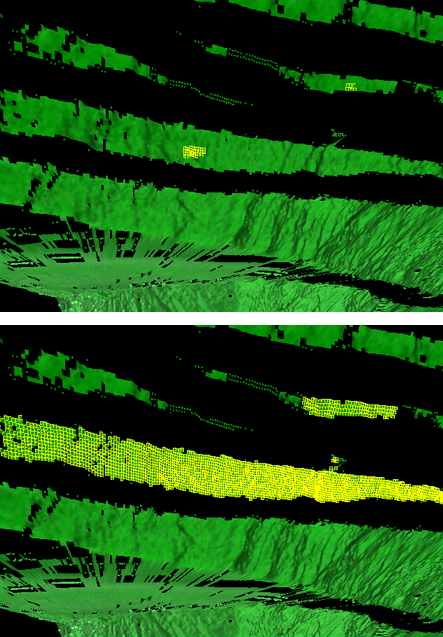
Flood Select
Flood select expands the selection of points to all points connected to the selected points by a line. Smart select can be used if this option does not select the required data.
- On the
Home ribbon tab navigate to the Selection group. From the Smart Select drop-down list select
 Flood Select.
Use this option
to expand a selection. For example, so that all primitives connected to
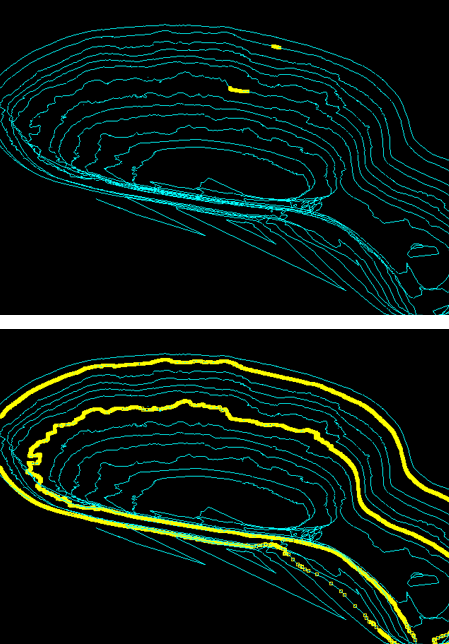
the selection are also picked. This can also be run on edge networks to
extract a selection of contours. They can subsequently be exploded (select
Edit > Fix >  Explode).
Examples of flood selection on edges.
Examples of flood selection on facets.
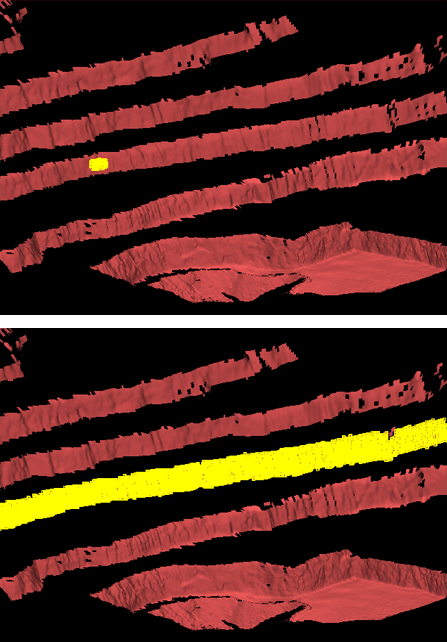
Examples of flood selection on cells.