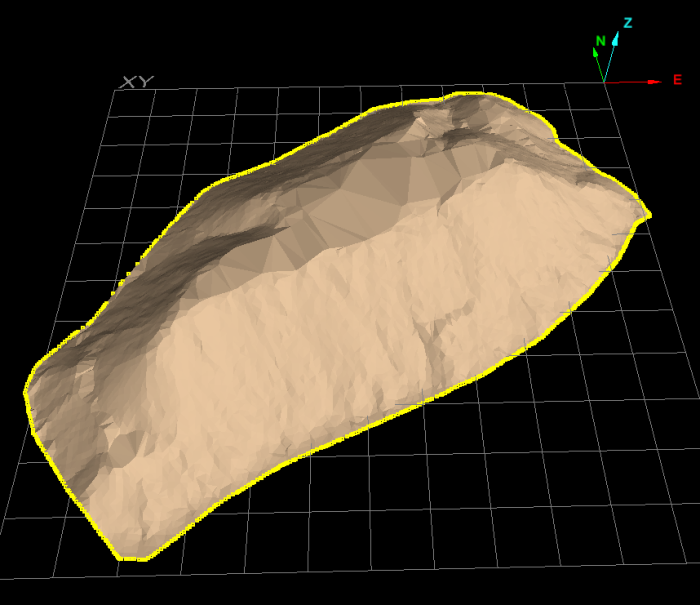
Select Boundary Edge
Selects all connecting line segments comprising the outside boundary of a surface.
-
On the Home ribbon tab navigate to the Selection group. From the Select By drop-down list select
 Boundary Edge.
 -
Click on a section of the boundary or edge of the surface of interest.
All line segments comprising the boundary will be selected.
All line segments of a boundary are selected after clicking on a section of the boundary of the surface.
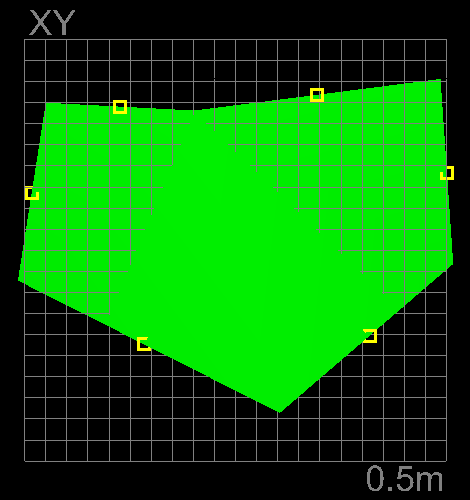
All line segments of a boundary selected after clicking on a section of the boundary of the surface.