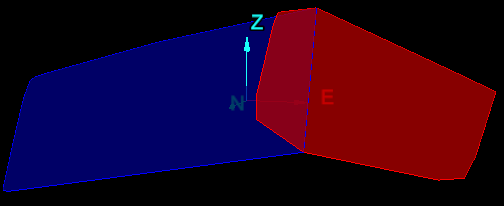
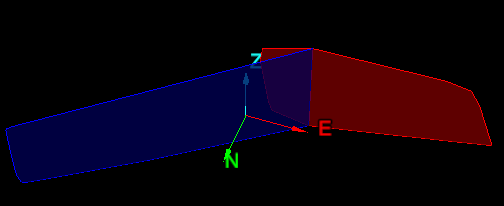
Extend Discontinuity to Intersection
This function helps to visualise discontinuities, as if they were spread across an entire pit. It will show where they would appear if they were to extend until they intersect each other.
-
Select discontinuities (use methods described under Geotechnical tools, such as Query and Extract).

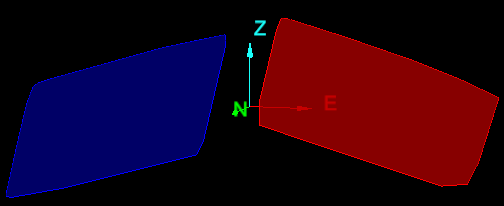
-
On the Geotechnical ribbon tab navigate to the Edit group and select
 Extend to Intersection, or right-click one of the discontinuities and choose Extend to Intersection.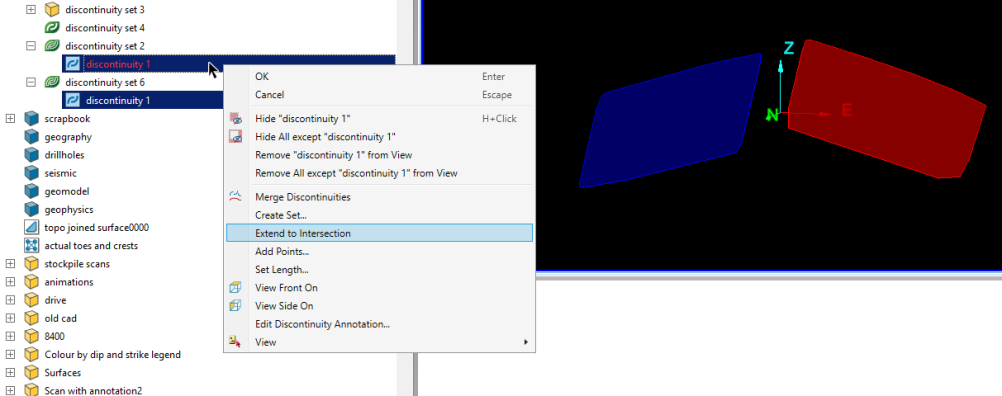
-