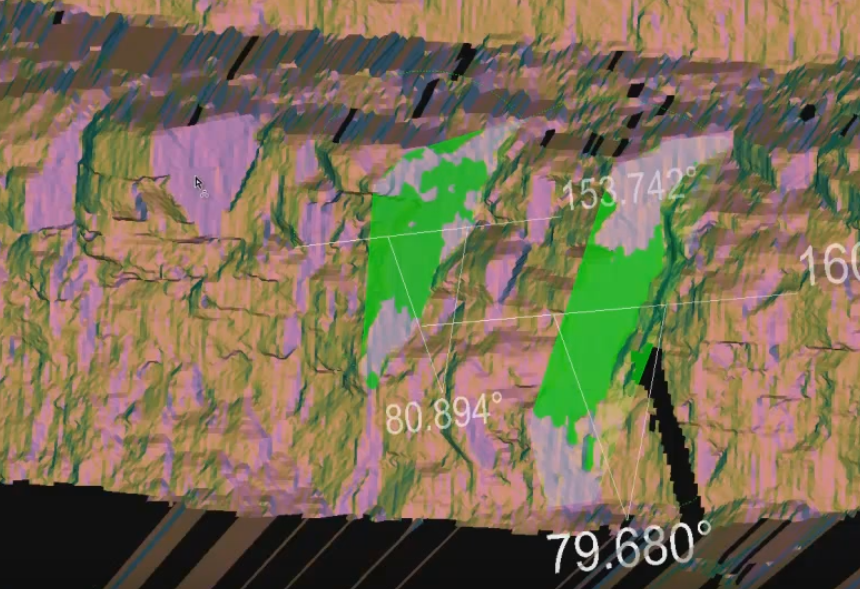
Smart Query Dip and Strike
The Smart query dip and strike allows you to focus on picking individual discontinuities. Only one discontinuity at a time can be picked but the settings of the tool provide a broader or narrower limit of involved angle (normal difference threshold). This has an effect on how much the discontinuity spreads and groups with the plane(s) at the initial point of contact with the mouse pointer. The individual discontinuities that are selected will be saved in the geotechnical container.
-
On the Geotechnical ribbon tab navigate to the Dip and Strike group and select
 Smart Query.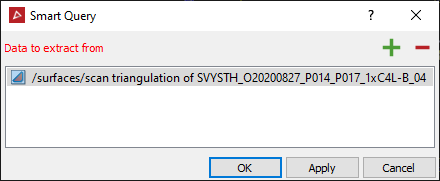
-
Click on the discontinuity of interest. A certain region will be highlighted and selected.
-
Adjust the Normal difference threshold in the open panel, in order to expand or reduce the allowable variation in angle of the selected region. Expanding the threshold has the effect of making the selection larger. Reducing the threshold has the effect of making the selection smaller.
-
The tool also has the flexibility to allow you to manually Shift + click on planes further away from the first mouse click and join them up as natural extensions - a part of a larger single discontinuity.