Update License
The software license must be updated periodically. This is to prevent unauthorised use of Maptek software.
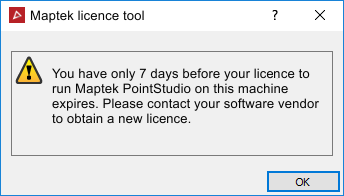
When the license
is due to expire in nine or less days, a reminder message displays.
Updating your
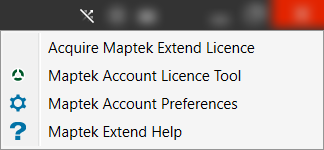
license is done through Maptek Account
Licence Tool which can be accessed from the top right corner of
Workbench or PointModeller software by clicking  located at the top-right of the Workbench title bar.
If no internet
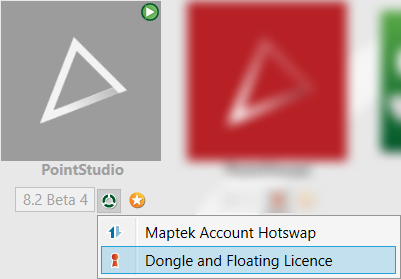
is available but you do have a dongle then go back to the Workbench Start
Page  , select licence
icon
, select licence
icon  and choose Dongle
and Floating Licence.
and choose Dongle
and Floating Licence.
Note: If using a dongle license, you might need to restart the installation process in order to update the dongle first, before continuing with software updates. This is a one-time process now, for some dongles only, as Maptek is changing the dongle identification protocol for future releases.