Surface Boundaries
Source file: boundary-group.htm

The Surface Boundaries
tool creates edge loops  or edge networks
  that define the boundaries of a surface.
Create a surface boundary as follows:
-
On the Query tab, in the Boundary group, click (missing or bad snippet). Alternatively, on the Create tab, in the Topography group, click (missing or bad snippet).
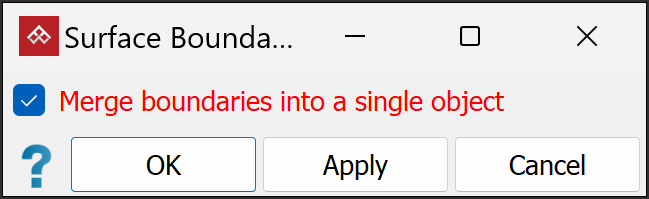
- Select or clear
Merge boundaries into a single object
, as required:
- Select to include all loops in a single edge network .
- Clear to
create the edge loops as separate edge loops .
Or
- Select to include all loops in a single edge network
-
Click OK or Apply to finish.
|
|
|
|
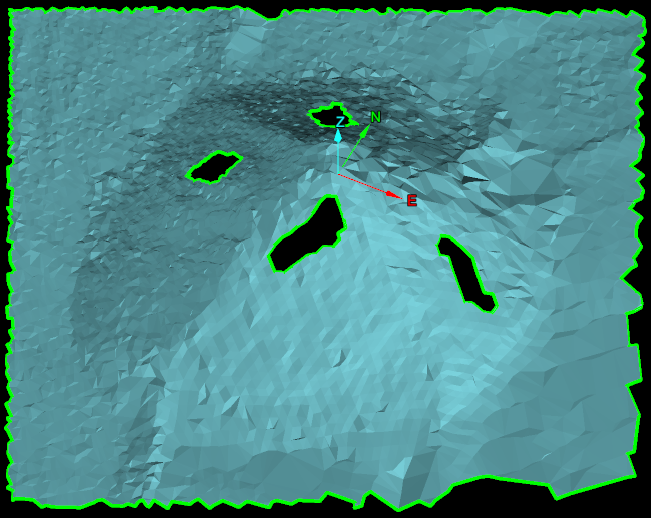
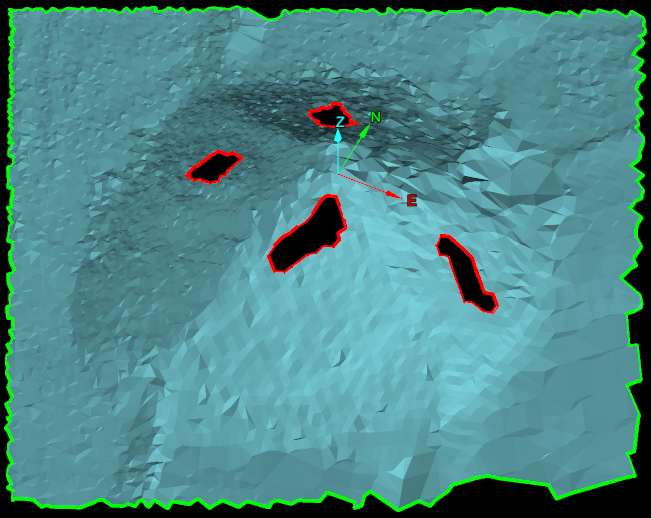
Surface boundaries have been created as a single edge network (left) and as edge loops (right). Edges are represented in green and holes in the surface are represented in red. |
|