To change the surface appearance
Surface
appearance changes how a triangulation is displayed in the view.
By default, triangulations are displayed as Smooth
shaded surface, meaning that edges are softened or rounded off
in the view.
-
Select the object/data to be coloured.
-
Select Home > Colour >
 Appearance.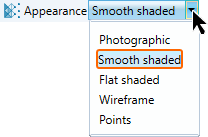
OR
-
In the View window, right click an object to bring up the context menu.
-
Hover the cursor over View.
-
Select a Surface Appearance type.
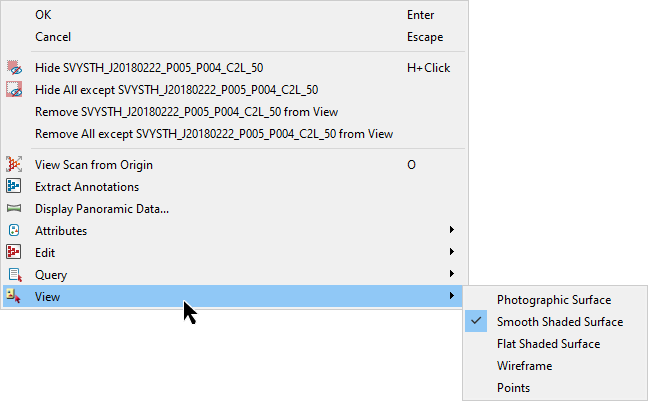
Photographic surface will render a photograph onto the surface if available.
Flat shaded surface and Smooth shaded surface will display the actual surface.
Wireframe and Points will display the selected surfaces as either wireframe or points.
Note: These options are also available via the triangulation right-click context menu.
Note: This does not change the triangulation, only how it is displayed in the View window.
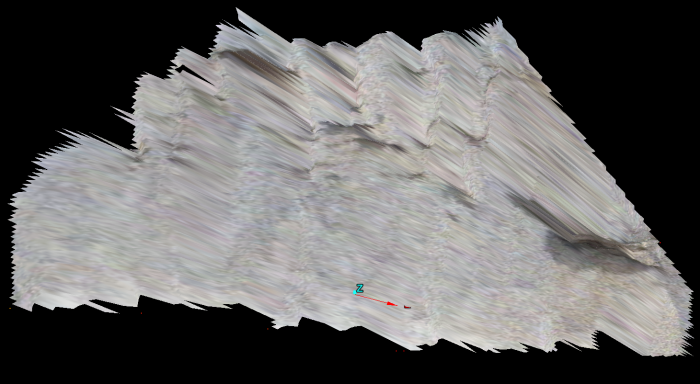
Photographic
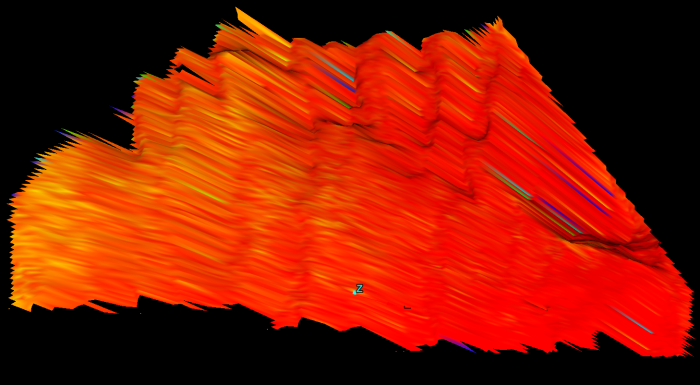
Smooth shaded surface
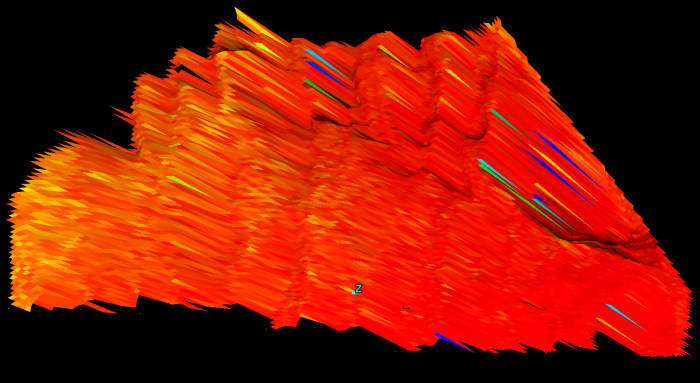
Flat shaded surface
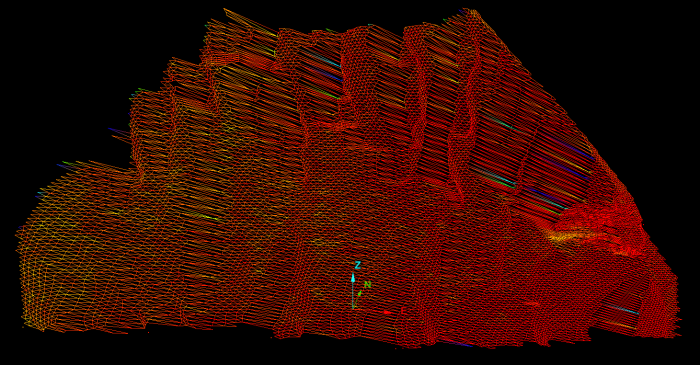
Wireframe
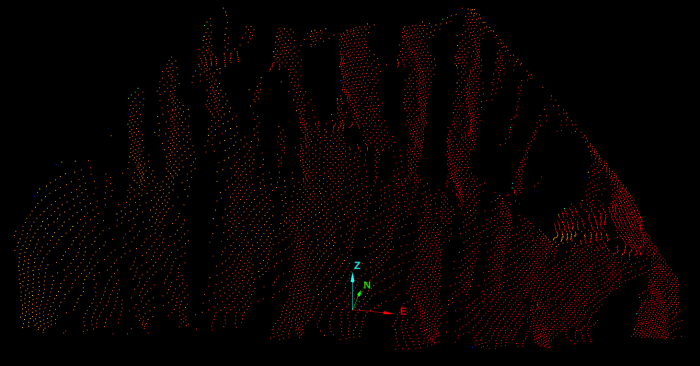
Points