To fill holes in a triangulation surface
This option
fills holes that may appear when editing a triangulation.
- Select the triangulation to have holes filled.
- Select
Edit > Fix >
 Fill Holes
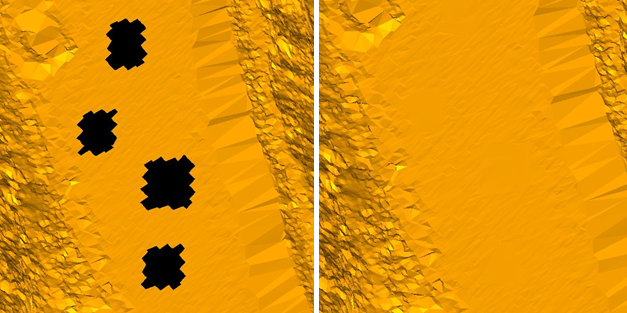
The holes in the surface are filled.
The example
below shows a data model before and after the fill holes function.