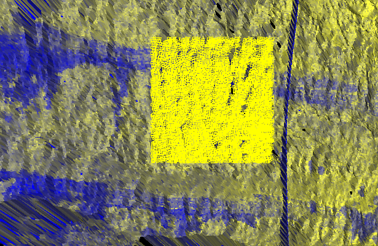
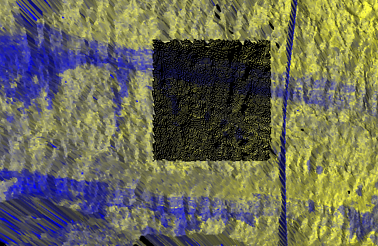
To disconnect selected scan cells
The Disconnect option enables connected (and smart connected) scan points to be disconnected.
- Using
Point selection mode
 , select the points to be removed (disconnected). If no selection
of cells is made, the entire selected scans are disconnected.
, select the points to be removed (disconnected). If no selection
of cells is made, the entire selected scans are disconnected. -
From the Ribbon menu select Position and Filter > Scan >
 Disconnect.
[Alternatively, select the Disconnect icon from the Connection toolbar]