To export the View window
Exports objects in the View window rendered into a high resolution image or to a 3D PDF or U3D file. Objects consisting of facets, edges or 3D text may be exported.
- Load the desired objects into a View window.
- Go to View > Export >
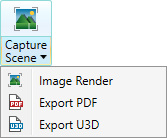
 Capture Scene and from the drop down list select one of the following:
|
Image Render to render a high resolution image of the view. |
|
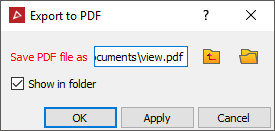
 Export to PDF to export the view to a PDF file. see below Export to PDF to export the view to a PDF file. see below |
||
 Export U3D to export the view to a U3D file. see below Export U3D to export the view to a U3D file. see below |
Alternatively it can also be found in the View window toolbar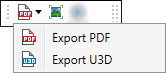 .
.
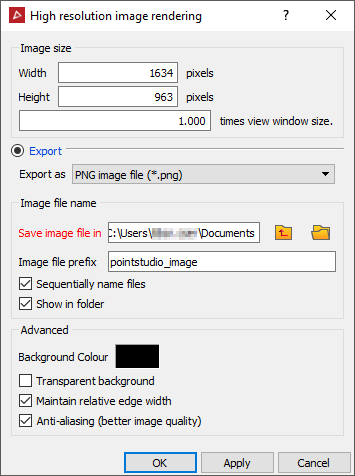
To render a high resolution image of the view select .
|
|
|
|
|
|
|
|
|
To export to a U3D select 
|