Graphical User Interface
The following examples illustrate how to interact with or generate native Vulcan user interface elements to interact with users.
Topics:
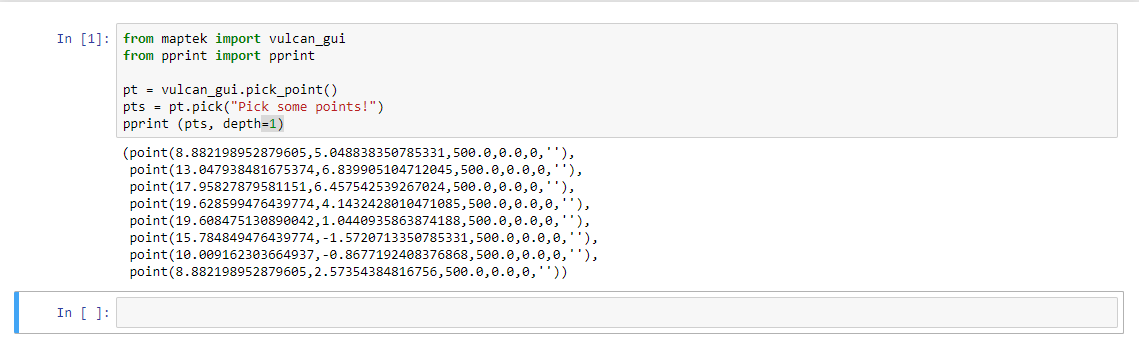
Picking points on screen
from maptek import vulcan_gui
from pprint import pprint

pt = vulcan_gui.pick_point()
pts = pt.pick("Pick some points!")
pprint (pts, depth=1)

Getting a layer from the GUI
from maptek import vulcan_gui

layer_name = "NOT_A_LAYER"

if layer_name in vulcan_gui.globals()["layers"]:
    layer = vulcan_gui.get_layer(layer_name)
    print ("Layer '{}' has {} objects in it.".format(layer.name, len(layer)))
else:
    print ("Layer '{}' is not in the gui".format(layer_name))

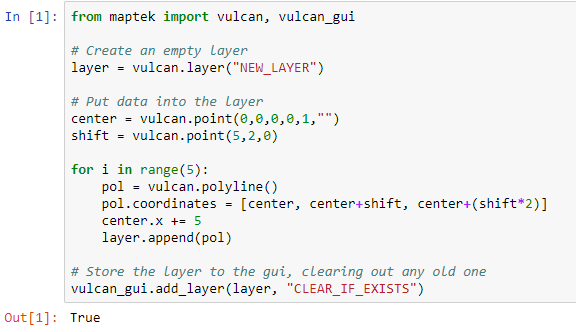
Adding a layer to the GUI
from maptek import vulcan, vulcan_gui

# Create an empty layer
layer = vulcan.layer("NEW_LAYER")

# Put data into the layer
center = vulcan.point(0,0,0,0,1,"")
shift = vulcan.point(5,2,0)

for i in range(5):
    pol = vulcan.polyline()
    pol.coordinates = [center, center+shift, center+(shift*2)]
    center.x += 5
    layer.append(pol)

# Store the layer to the gui, clearing out any old one
vulcan_gui.add_layer(layer, "CLEAR_IF_EXISTS")
Creating a panel
# >>> [Indicates sample output.]

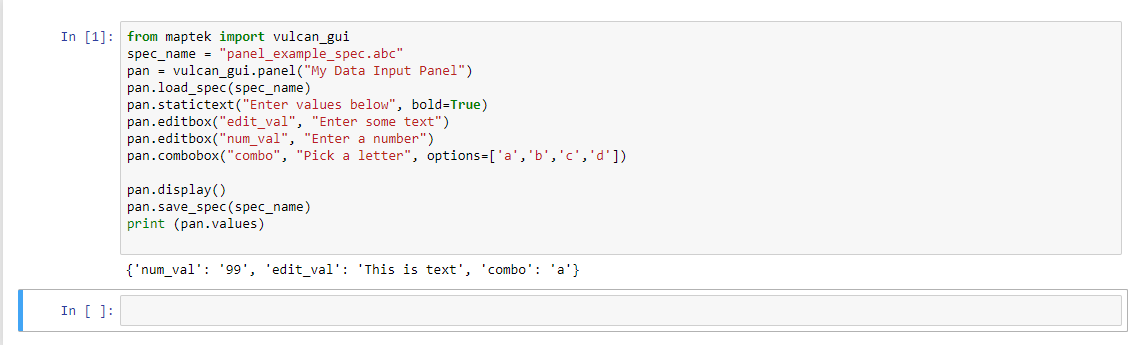
from maptek import vulcan_gui
spec_name = "panel_example_spec.abc"
pan = vulcan_gui.panel("My Data Input Panel")
pan.load_spec(spec_name)
pan.statictext("Enter values below", bold=True)
pan.editbox("edit_val", "Enter some text")
pan.editbox("num_val", "Enter a number")
pan.combobox("combo", "Pick a letter", options=['a','b','c','d'])

pan.display()
pan.save_spec(spec_name)
print (pan.values)

# >>> {'combo': 'a', 'num_val': '12345', 'edit_val': 'Hello'}

Process messaging
from maptek import vulcan_gui
from time import sleep

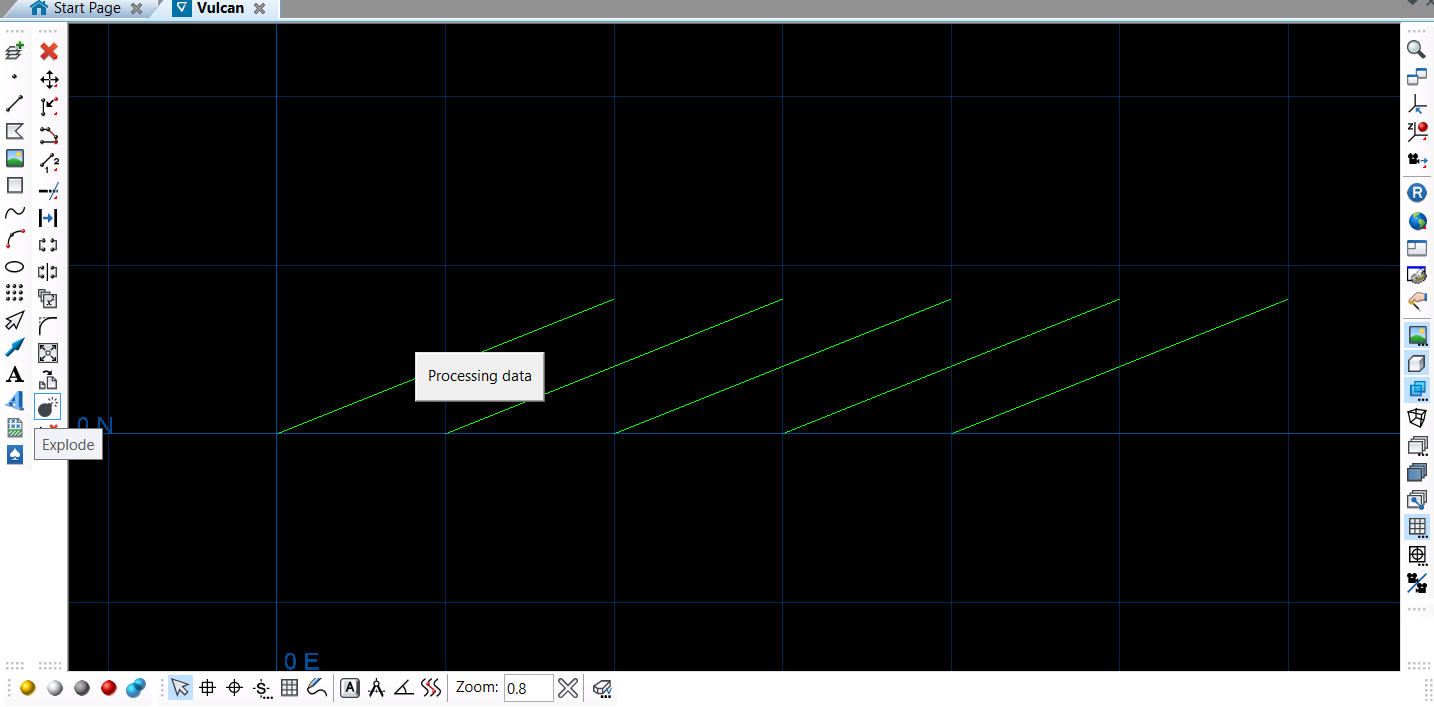
vulcan_gui.start_busy_message("Processing data")
sleep(2)
vulcan_gui.end_busy_message()
Selecting objects on screen
from maptek import vulcan_gui

sel = vulcan_gui.selection("data to print")
sel.criteria = ["LINE", "POLYGON"]
sel.display_mode = "SHADOW"

for obj in sel:
    print (obj)

Basic Gpan panel
from maptek import vulcan_gui
from os import environ, remove
import subprocess
from pathlib import Path

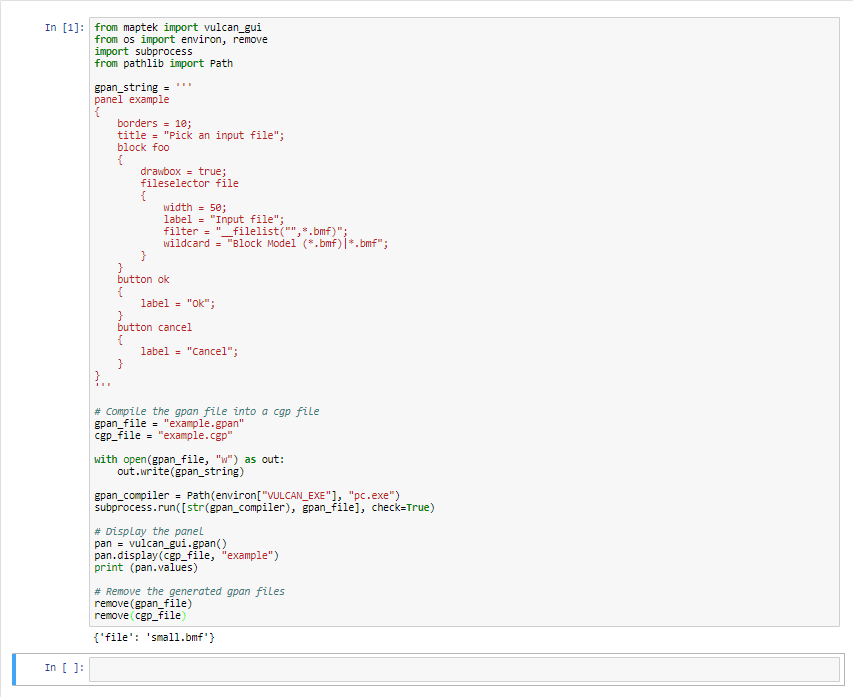
gpan_string = '''
panel example
{
    borders = 10;
    title = "Pick an input file";
    block foo
    {
        drawbox = true;
        fileselector file
        {
            width = 50;
            label = "Input file";
            filter = "__filelist("",*.bmf)";
            wildcard = "Block Model (*.bmf)|*.bmf";
        }
    }
    button ok
    {
        label = "Ok";
    }
    button cancel
    {
        label = "Cancel";
    }
}
'''

# Compile the gpan file into a cgp file
gpan_file = "example.gpan"
cgp_file = "example.cgp"

with open(gpan_file, "w") as out:
    out.write(gpan_string)

gpan_compiler = Path(environ["VULCAN_EXE"], "pc.exe")
subprocess.run([str(gpan_compiler), gpan_file], check=True)

# Display the panel
pan = vulcan_gui.gpan()
pan.display(cgp_file, "example")
print (pan.values)

# Remove the generated gpan files
remove(gpan_file)
remove(cgp_file)

Gpan with callbacks
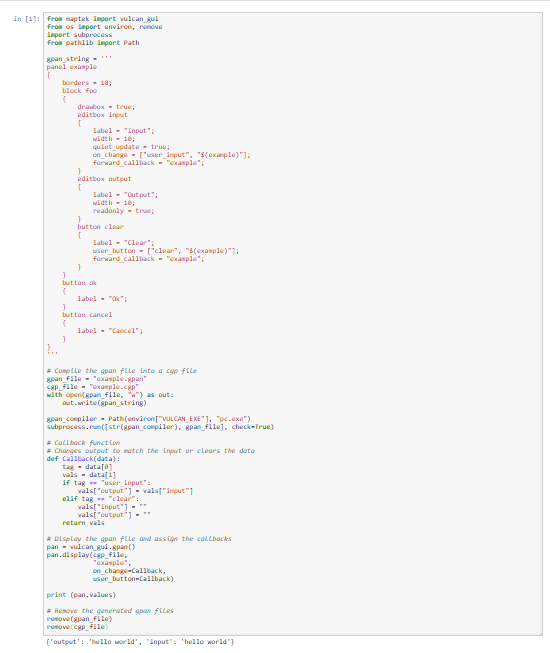
from maptek import vulcan_gui
from os import environ, remove
import subprocess
from pathlib import Path

gpan_string = '''
panel example
{
    borders = 10;
    block foo
    {
        drawbox = true;
        editbox input
        {
            label = "Input";
            width = 10;
            quiet_update = true;
            on_change = ["user_input", "$(example)"];
            forward_callback = "example";
        }
        editbox output
        {
            label = "Output";
            width = 10;
            readonly = true;
        }
        button clear
        {
            label = "Clear";
            user_button = ["clear", "$(example)"];
            forward_callback = "example";
        }
    }
    button ok
    {
        label = "Ok";
    }
    button cancel
    {
        label = "Cancel";
    }
}
'''

# Compile the gpan file into a cgp file
gpan_file = "example.gpan"
cgp_file = "example.cgp"
with open(gpan_file, "w") as out:
    out.write(gpan_string)

gpan_compiler = Path(environ["VULCAN_EXE"], "pc.exe")
subprocess.run([str(gpan_compiler), gpan_file], check=True)

# Callback function
# Changes output to match the input or clears the data
def Callback(data):
    tag = data[0]
    vals = data[1]
    if tag == "user_input":
        vals["output"] = vals["input"]
    elif tag == "clear":
        vals["input"] = ""
        vals["output"] = ""
    return vals

# Display the gpan file and assign the callbacks
pan = vulcan_gui.gpan()
pan.display(cgp_file,
            "example",
            on_change=Callback,
            user_button=Callback)

print (pan.values)

# Remove the generated gpan files
remove(gpan_file)
remove(cgp_file)