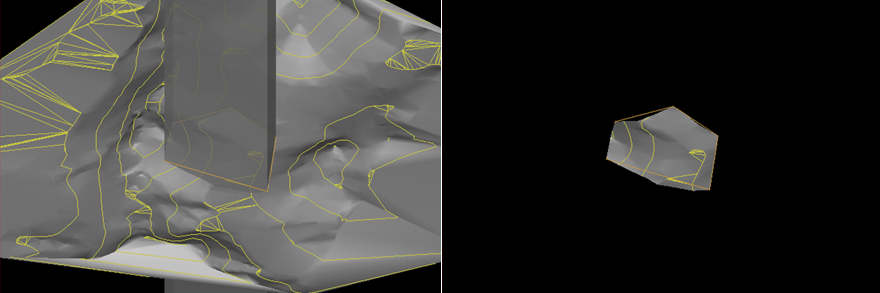
Crop by Polygon
Use Crop by polygon to crop objects such as lines, loops, point sets, edge networks and facet networks. This will perform 'cookie-cutting' of the selected objects.
-
Select the objects or facet networks you wish to crop.
-
On the Home ribbon tab navigate to the Crop group and select
 Polygon Crop.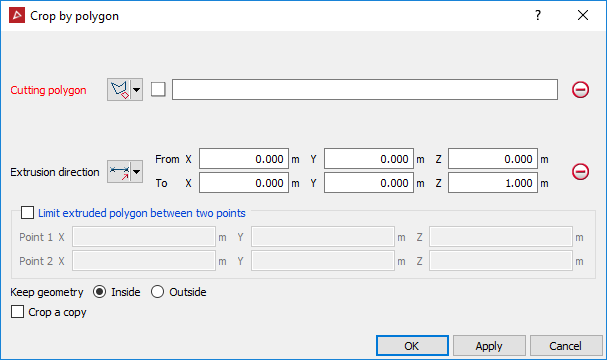
-
Create or select a polygon to use as the cropping boundary.
-
Drag and drop the polygon into the Cutting polygon field. The projected polygon boundary is displayed in grey.
-
Select the Extrusion direction of the cropping action. An extrusion of the polygon in the direction specified will display.
-
Limit extruded polygon between two points limits the height and depth of the filter.
-
Choose to keep the object fragments inside or outside of the polygon.
-
Select Crop a copy to keep the original data and crop a copy of the data.