To filter isolated points
Use Isolated points filter
to filter points that are a large distance from any other points. This
can be useful for filtering dust particles or insects that may have been
scanned.
-
Select Position and Filter > Filter and from the Filters drop down list select
 Isolated Points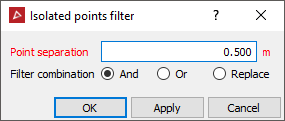
-
Specify a Point separation. Points without a neighbouring point within this distance will be filtered.
-
Select the required Filter combination.
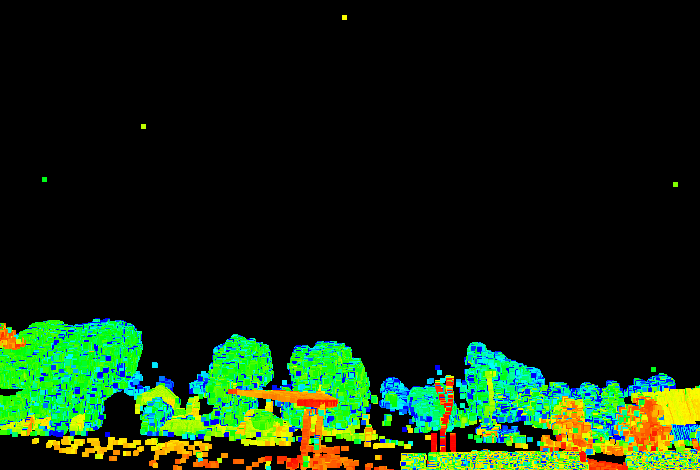
Before
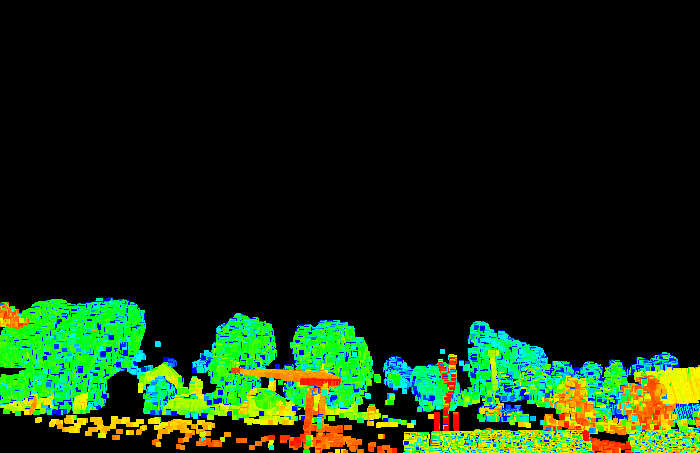
After
Note: The points can be recovered using the Show All option.