Setting the Acquisition Date
The acquisition
date must be defined to allow surface
change to establish the relative age of the surfaces being analysed.
-
On the Labs ribbon tab navigate to the Obsoleted group and select
 Set
Acquisition Date.
Set
Acquisition Date.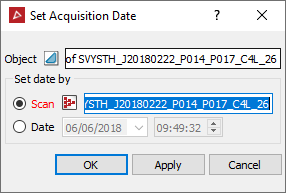
-
Drag the object the date is to be set on into the Object field.
Set the acquisition date by using one of the following two methods:
- Associating the object with the Scan data from which the object was created from (which has an associated acquisition date) or by,
- Setting a Date manually.
-
To associate with source scan data, drag the scan into the Scan field.
-
Select the surface in the project explorer to have the age set on.
The Object field will automatically populate with the surface.
-
Click OK or Apply.
-
To set the date manually, click on the Date radio button.
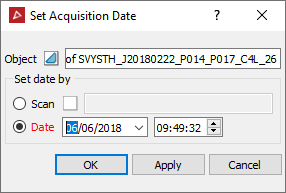
-
Set the date from the drop-down calendar.
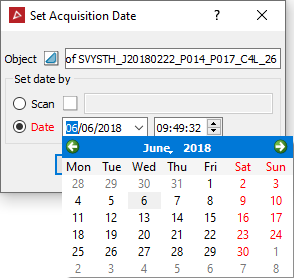
-
Click OK or Apply.
The report window will display a confirmation of the acquisition set date.
