Assign Values
Data Source pane
Assign Block Values from Input to Output Model
Use Assign Values to assign block variable values from an input model to an output model. The values are assigned based on their common block overlap and the calculation method chosen.
The details are stored in the file <proj><name>.bassign_spec, which resides in your working directory. An example is given in Appendix A .
You can also use the external program bassign to assign block values from one model to another.
Instructions
On the Block menu, point to Manipulation, and then click Assign Values to display the Assign Block Values pane.
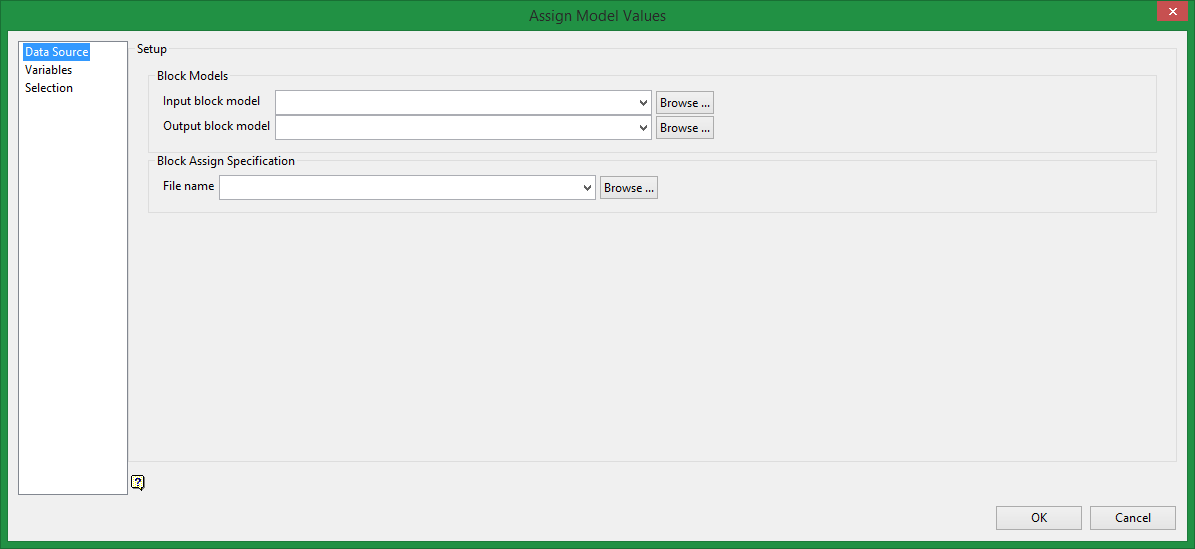
Block Models
Input block model
Select the input model.
Output block model
Select the output (assigned) model.
Note: The input and output models must have the same orientation (that is, bearing, plunge and dip) and their parent (primary) block extents must overlap. If the output model extent is beyond the input model extent, then input blocks on the edge are assigned incorrect values due to the difference in volume.
Block Assign Specification
Enter the name of the assignment definition file to be created or edited. The full name is <proj><name>.bassign_spec. As the variable details must match, an existing file should only be selected if it was created with the same input and output block model.
Note: Assignment definition files generated prior to version 3.4 have a file extension of.bdf instead of.bassign_spec. These.bdf files can still be used but only from the command line, not in Vulcan.
To run the block assignment from the command line, open a shell window, change to your working directory and execute the bassign block assignment program from the VULCAN_EXE directory. Use your input and output block models and an assignment definition file (the definition file must match the input and output models).
Example:
$VULCAN_EXE/bassign demoinput demooutput demoassign.bdf
where demo is the project code, input is the block model identifier of input model, output is the block model identifier of output model and assign is the name of the bdf file.
If VULCAN_EXE is not defined
$VULCAN_BIN/exe/bassign demoinput demooutput demoassign.bdf
The bassign program can also be run from the command line for bassign_spec files.

