Assign Values
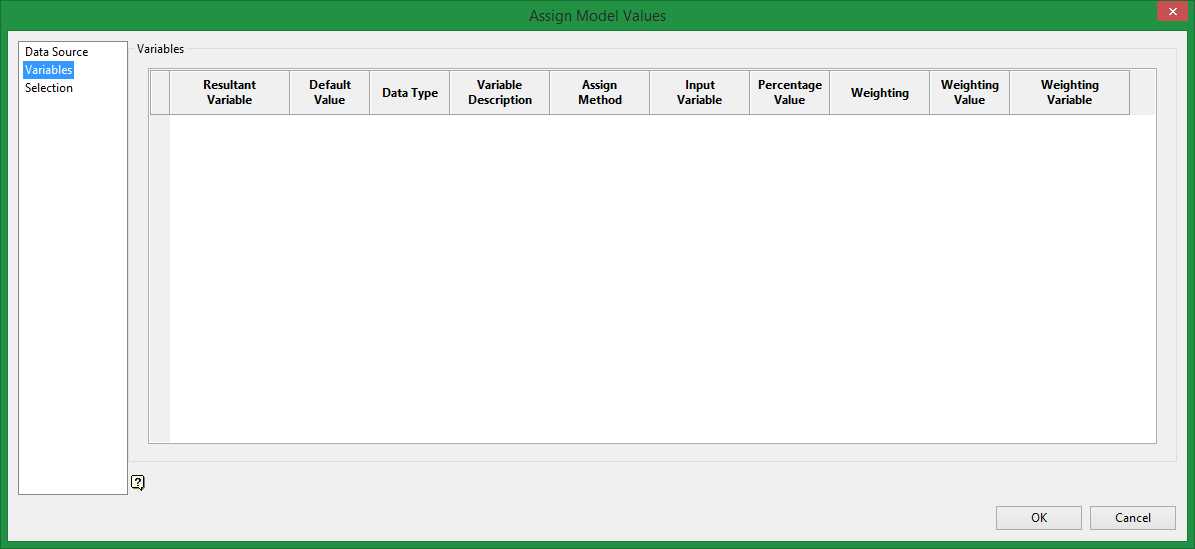
Variables pane
Assign Block Values from Input to Output Model
Use Assign Values to assign block variable values from an input model to an output model. The values are assigned based on their common block overlap and the calculation method chosen.
The details are stored in the file <proj><name>.bassign_spec, which resides in your working directory. An example is given in Appendix A .
You can also use the external program bassign to assign block values from one model to another.
Instructions
On the Block menu, point to Manipulation, and then click Assign Values to display the Assign Block Values pane.
Name variable values in the output model will be ignored, that is, you cannot assign a value from the input model to a name variable in the output model. The assignment methods are therefore not displayed for output name variables.
Characteristics of the output variable are displayed on the pane. For each output variable, specify the assignment calculation method.
Default
This method uses the default value of the output variable (shown at the top of the pane).
Majority
This method to enter or select an input variable for which the majority value (that is, the value that occupies the most of the block's volume) is calculated and placed in the output variable.
Total
This method to enter or select an input variable for which the total is calculated and placed in the output variable.
Average
This method to enter or select an input variable for which the average is calculated and placed in the output variable.
Percentage
This method to enter or select an input variable and specify an ordinal value. The percentage of the variable values equal to the ordinal value is calculated and placed in the output variable. Refer to the Block > Transfer > Regularise Model option for more details on the calculation methods.

