

Administrator Overview
For users with administrator rights, the Maptek Account website includes administrative options for controlling how your users interact with Maptek Account.
To obtain administrative rights, you must submit to Maptek a request that has been approved by your organisation’s purchasing authority.
All Maptek Account administrators are required to use two-factor authentication (2FA).
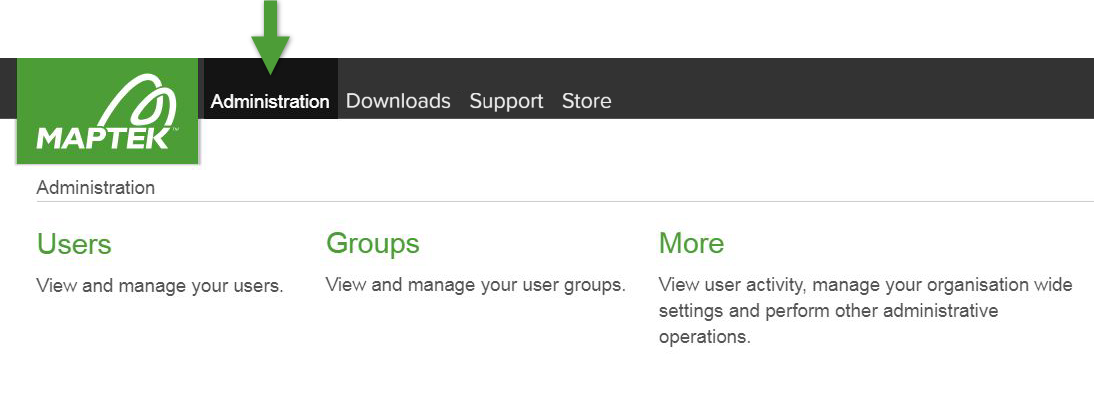
When an administrator logs in to Maptek Account, the Administration option appears in the menu bar. The Administration functions are divided into Users, Groups, and More.
The organisation Maptek Account administrators play an active role in distributing licences and managing groups and users, including the way licences can be used for that organisation. Maptek customer support will help resolve issues in collaboration with the Maptek Account administrator.
Maptek Account allows three administrator levels, as follows:
-
Regional Admin
A user who has operational administration rights to manage other users, groups, entitlements and other organisation settings for their assigned region. A Regional Admin can assign and manage users, groups and entitlements for units, but cannot create or delete units, or assign Unit Admins. A Regional Admin assigned to all regions is known as a Global Admin, though the designation is not used in the Maptek Account environment.
-
Root Admin
A Regional Admin who has been given permissions to manage all Maptek Account features and functions within the organisation. A Root Admin is promoted to the role in Customer Manager by Maptek. Existing Regional Admins can be promoted to Root Admins, and Root Admins can later be reverted back to Regional Admins. Root Admins are responsible for organisation-wide unit administration tasks, including managing Units, assigning Unit Admins, and activating or deactivating the Unit Admin feature, as well as performing certain Root Admin-only tasks, such as configuring Single Sign-On (SSO).
-
Unit Admin
A member of a unit who is permitted to assign users to that unit. Unit Admins are appointed by Root Admins.
