Multi-Gaussian Simulation
Simulation Files
Use this option to create a simulation based on Multi-Gaussian kriging.
Instructions
On the Block menu, point to Simulation, and then click Multi- Gaussian Simulation.
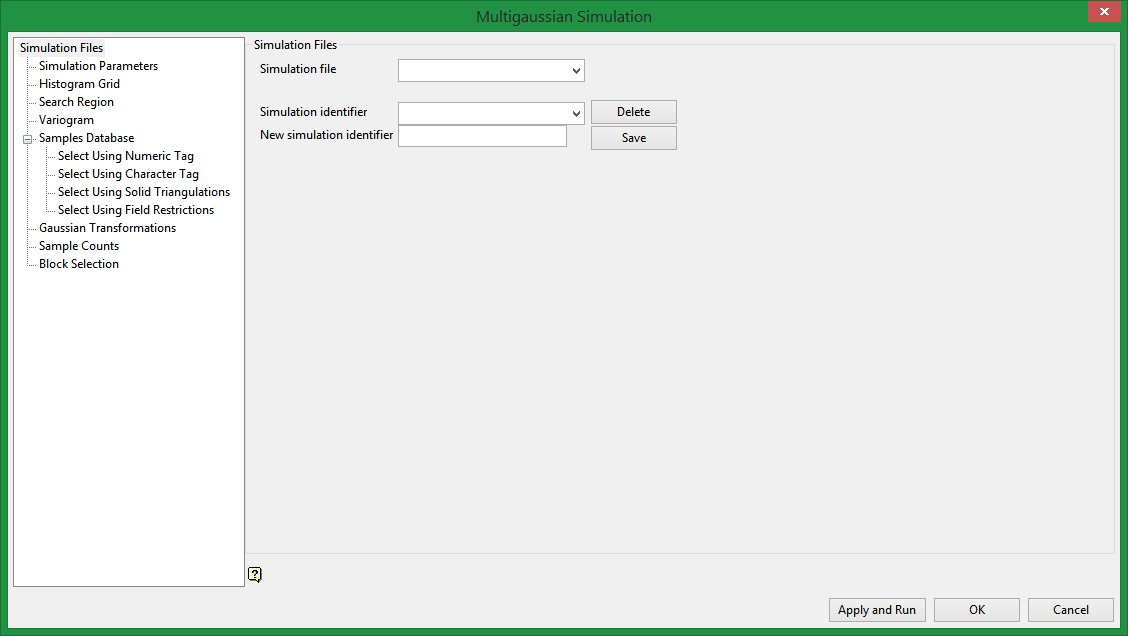
Simulation Parameters file
Enter, or select from the drop-down list, the name of the parameter file (.bef). The drop-down list will contain all simulation files found within your current working directory.
To create a new file, enter the file name and file extension. By default, the resulting file will be stored within your current working directory.
Load Simulation ID
Enter, or select from the drop-down list, the name of the simulation ID that you want to modify or, if applicable, copy. Leave this field blank if you want to create a new identifier that isn't based on an existing simulation.
New Simulation ID
Enter the name for the new simulation identifier (a maximum of 6 alphanumeric characters). Leave this field blank if you only want to modify an existing estimation.
Related Topics

