Multi-Gaussian Simulation
Samples Database
Instructions
On the Block menu, point to Simulation, and then click Multi- Gaussian Simulation.
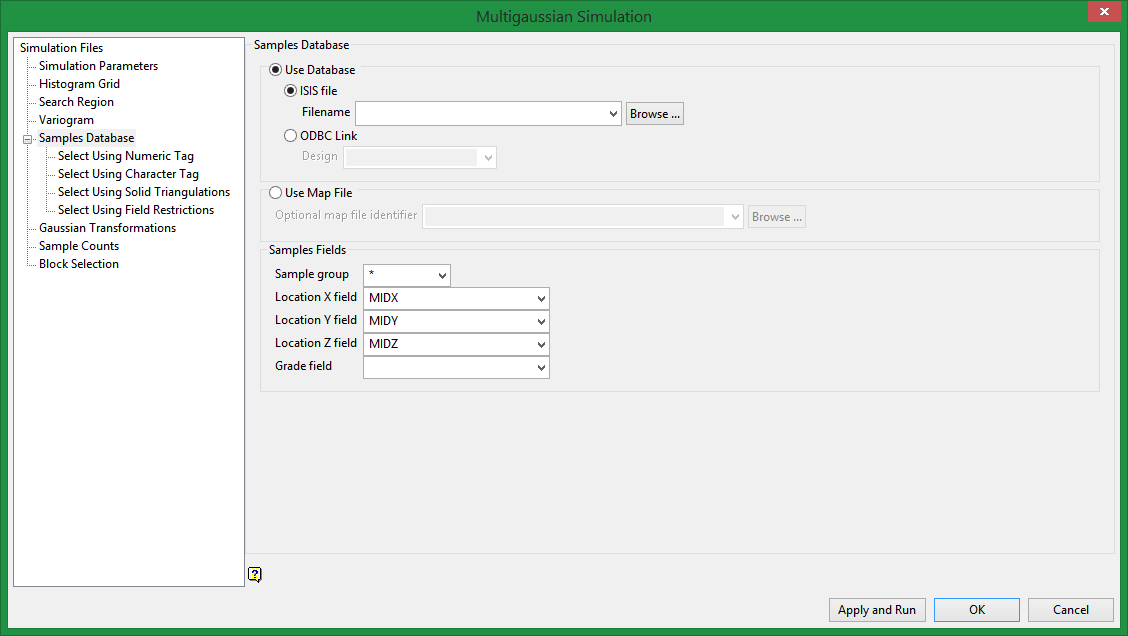
Use Database/Map File
Specify the name of the database or mapfile that contains the sample data. The drop-down list contains all of the Vulcan database files and mapfiles found in your current working directory. Click Browse to select a file from another location.
Sample fields
Sample group
Enter the name of the groups (database keys) to be loaded. Wildcards (* multi-character wildcard and % single character wildcard) may be used to select multiple groups. Multiple groups only apply to Isis databases (ASCII mapfiles consist of one group).
Location X/Y/Z Fields
Enter, or select from the drop-down list, the names of the fields containing the X, Y and Z coordinates.
Grade field
Select the field that contains the grade.
Related Topics

