Multi-Gaussian Simulation
Histogram Grid
Instructions
On the Block menu, point to Simulation, and then click Multi- Gaussian Simulation.
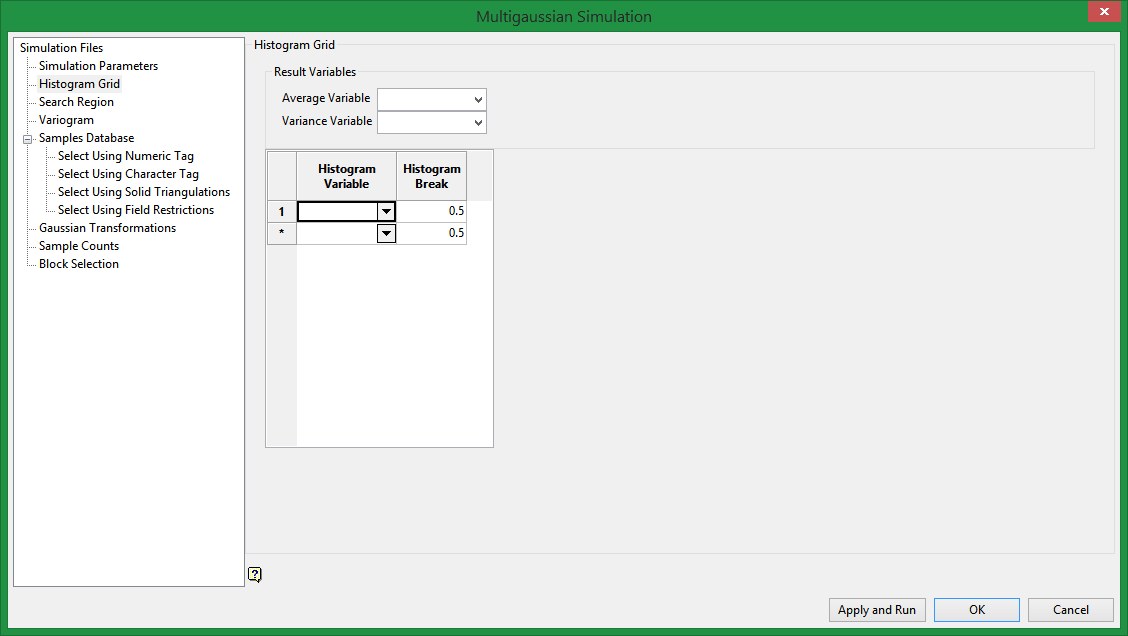
Histogram Grid
Result Variables
Average Variable (manditory)
Select the block model variable that stores the average values.
Variance Variable (optional)
Select the block model variable that stores the variance.
Histogram variable
You can select any number of histogram variables. Graphs will be produced for each variable.
Histogram break
Select the break between each bin.
Related Topics

