

 MaterialMRT Help
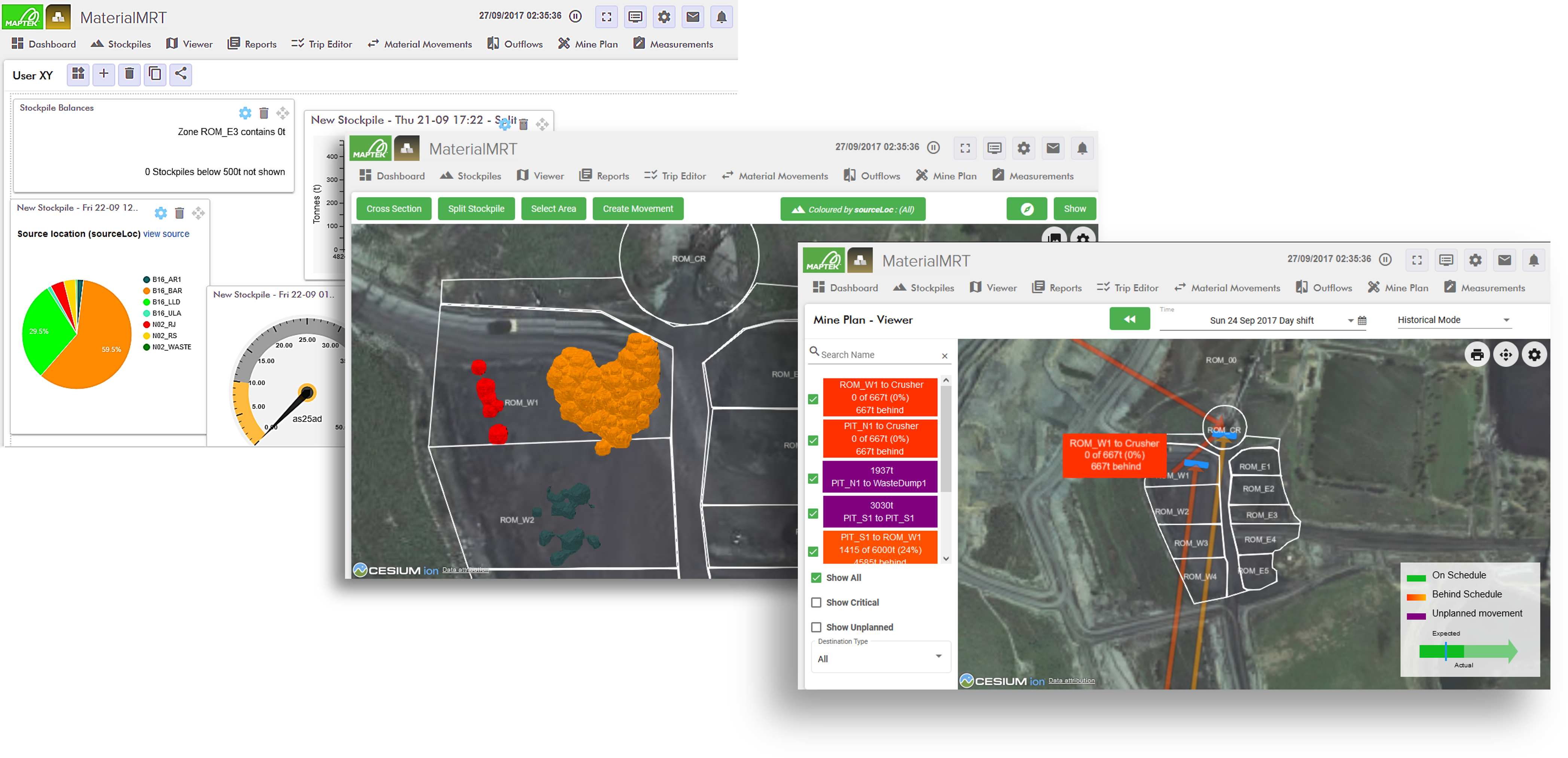
Maptek MaterialMRT is a decision support system for run-of-mine operations, providing near real-time material resource tracking. It integrates data from multiple sources—including mine plans, resource models, fleet monitoring systems, and survey data—into a single dynamic material model that can be queried through a web-based interface. Data from analysers and lab results can be used to reconcile measured material outflows against estimated or modelled material. Tools within MaterialMRT allow users to visualise material movements, examine stockpiles, generate reports, monitor outflows, plan and optimise mine schedules, and analyse blend strategies.
To learn the basics of the user interface and commonly used controls, begin with Getting Started. Then, see System Bar Overview to learn about configuration and user options.
The tools in MaterialMRT allow you to perform the following functions:
-
Monitor activities in near real time. To learn more, see Dashboard.
-
Examine and manage zones, stockpiles, and material properties. To learn more, see Viewer.
-
Query information with pivot report functionality, and export it as Microsoft Excel (XLSX) files. To learn more, see Reports.
-
Modify and publish trip data to the system, and export your trip data as a report as a Microsoft Excel (XLSX) file. To learn more, see Trip Editor.
-
Examine and analyse how materials move from a timeline and stockpile perspective. To learn more, see Material Movements.
-
View and chart how outflow metrics compare to lab and analyser results. To learn more, see Outflows.
-
Review, chart, and edit mine plans, or use the blend plan calculator to create contingent scheduling strategies. To learn more, see Mine Plan.
-
Manage ground surfaces, ground scan models, lab and analyser results. To learn more, see Measurements.
