

Lighting State
Side Lights
This tool  can be used to change the direction of lighting in the View Window, affecting shadow direction to highlight structural features.
Left and right light on use a single lighting direction, causing shadows to appear on the opposing side of topography surfaces.
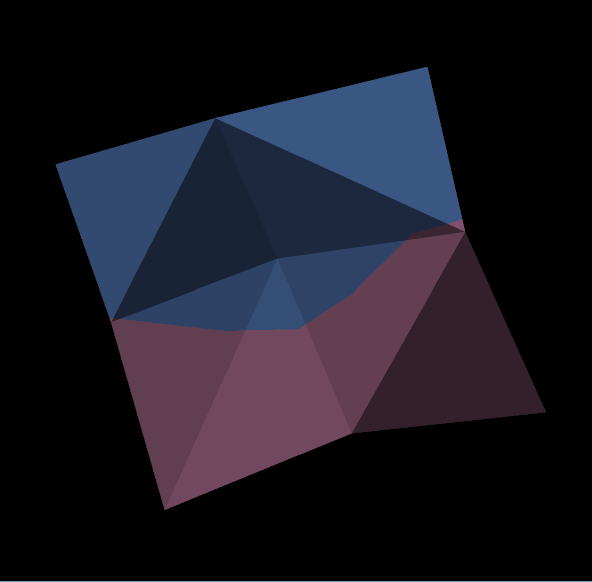
|
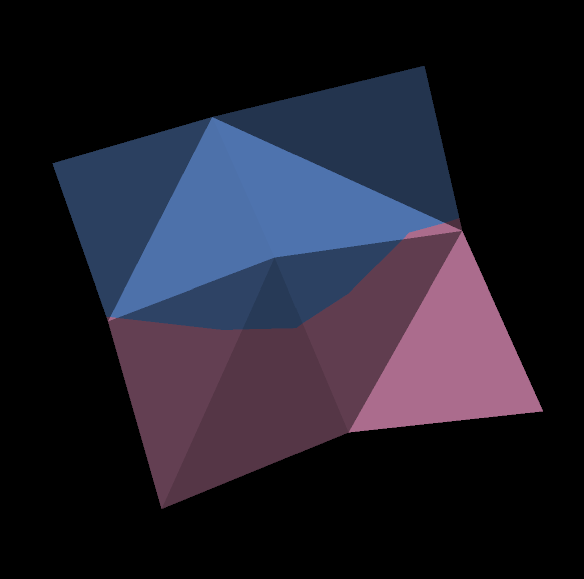
|
| Left light on | Right light on |
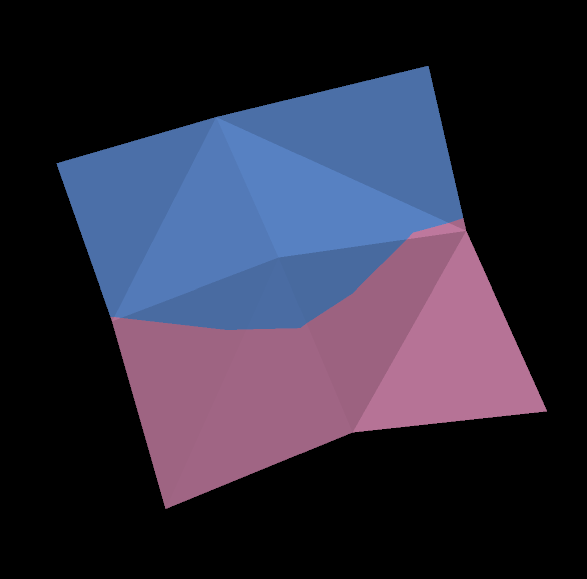
Both lights on use both lighting directions.
No lights on dims the View Window.
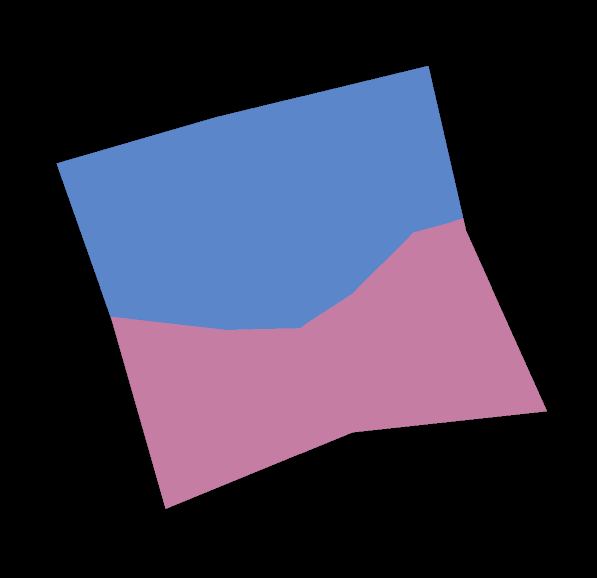
Headlight
This tool 
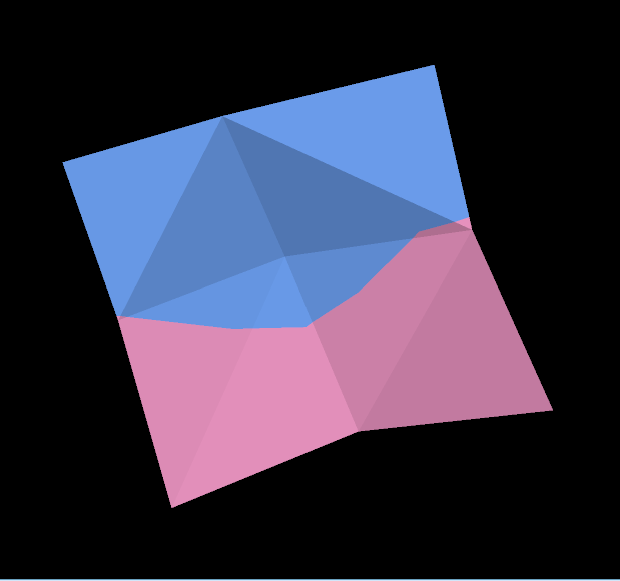
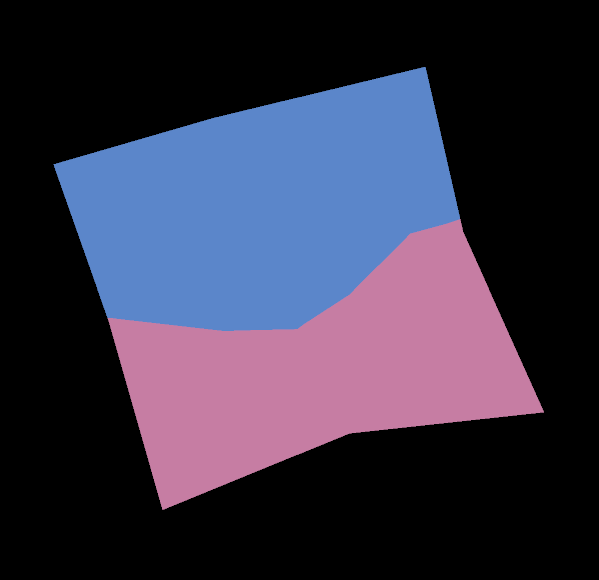
 toggles the display of the headlight, which applies lighting towards the data from the user’s perspective.
|
|
| Headlight on | Headlight off |
Was this page helpful?
