

Tie Window View
To access this tool, click the  icon in the Ribbon Control menu or in the view window toolbar.
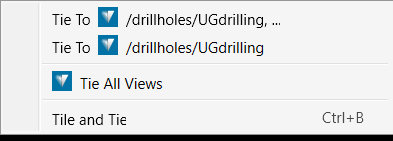
Use this tool to tie objects within the current View Window to one or more nominated secondary View Window/s and allow all views to be manipulated simultaneously. The views become spatially aligned. The Tile and Tie option will tile the tied views as smaller windows, within the larger View Window display area on the workbench.
Was this page helpful?
