

Colouring Data
There are various ways to colour your spatial data using the SDK. These are summarised below:
-
Apply a colour map to an object.
Colour maps associate colours with numeric ranges or string values. For example, the blocks in a block model might be coloured according to mineral grade. Colour maps are themselves project objects, and their use is explained extensively in Colour Maps.
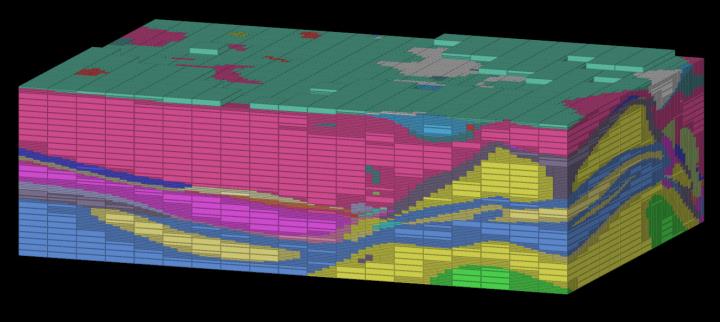
A block model coloured with a colour map.
-
Associate a raster image with a surface.
Associating a raster image allows you to colour a surface with photographic imagery, such as satellite images or aerial photography. Rasters are explained extensively in Rasters.
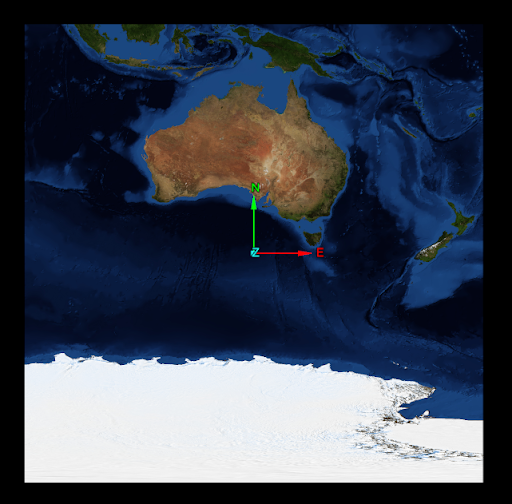
A raster image associated with a surface.
-
Directly modify primitive attributes
The SDK gives you direct access to primitive arrays, allowing you to write scripts that modify individual points, edges, facets, or blocks and their associated colours. See Working with Object Primitives for further information on how to directly modify primitive colours.
-
Use a function to apply a colour scheme to an object.
The SDK provides functions to colour objects by a predefined scheme. These are explained below.
Applying a predefined colour scheme
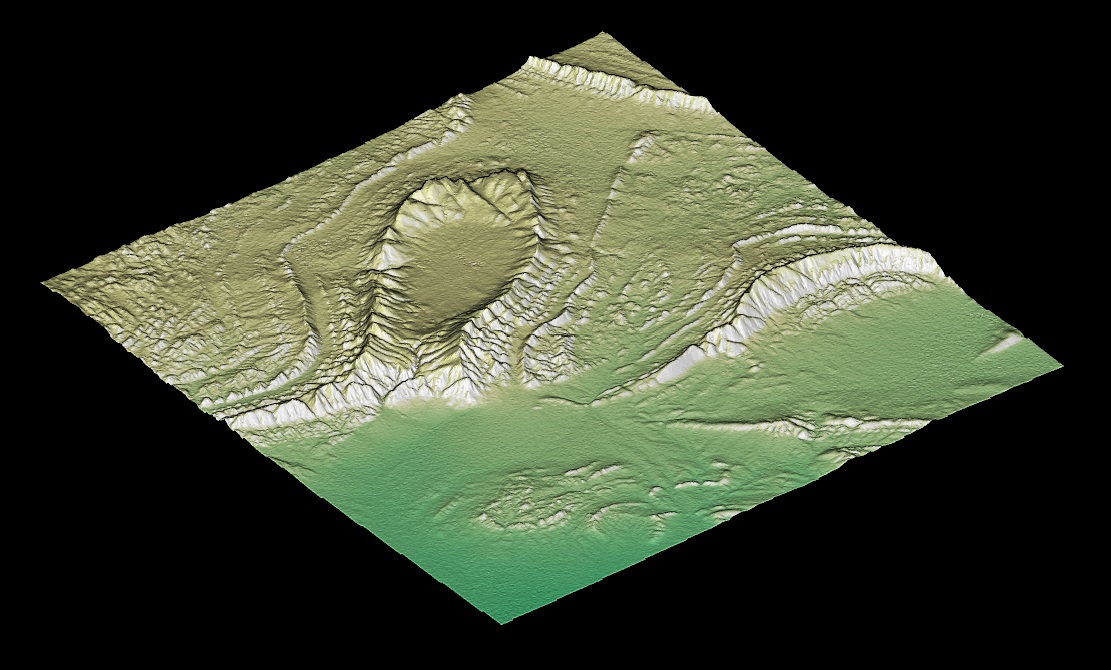
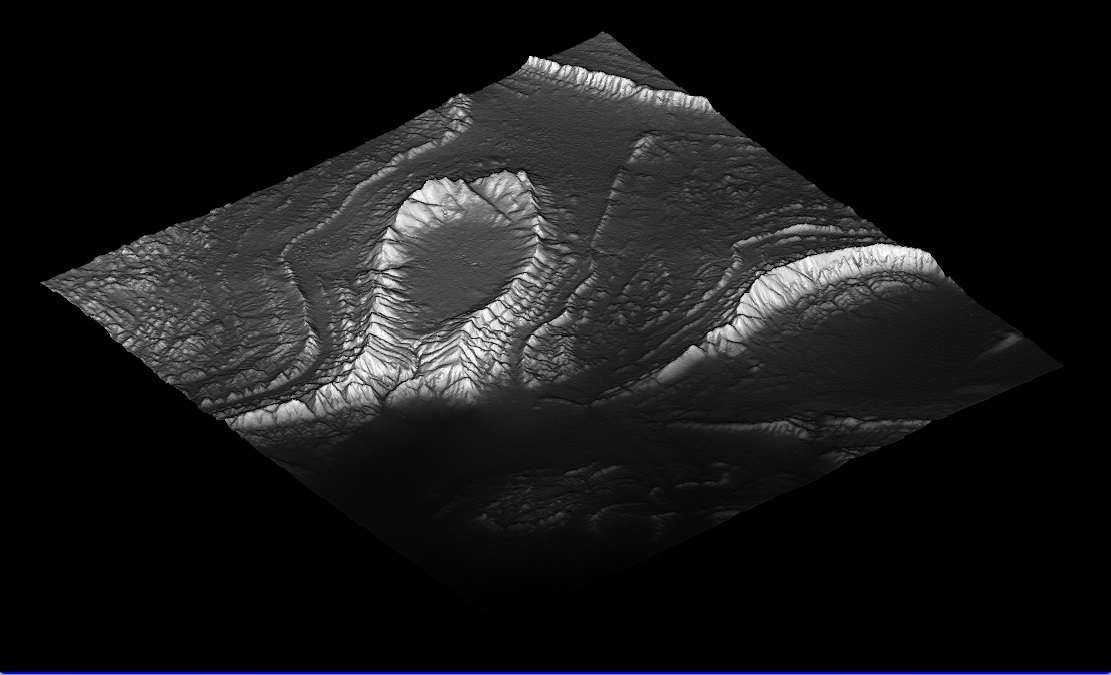
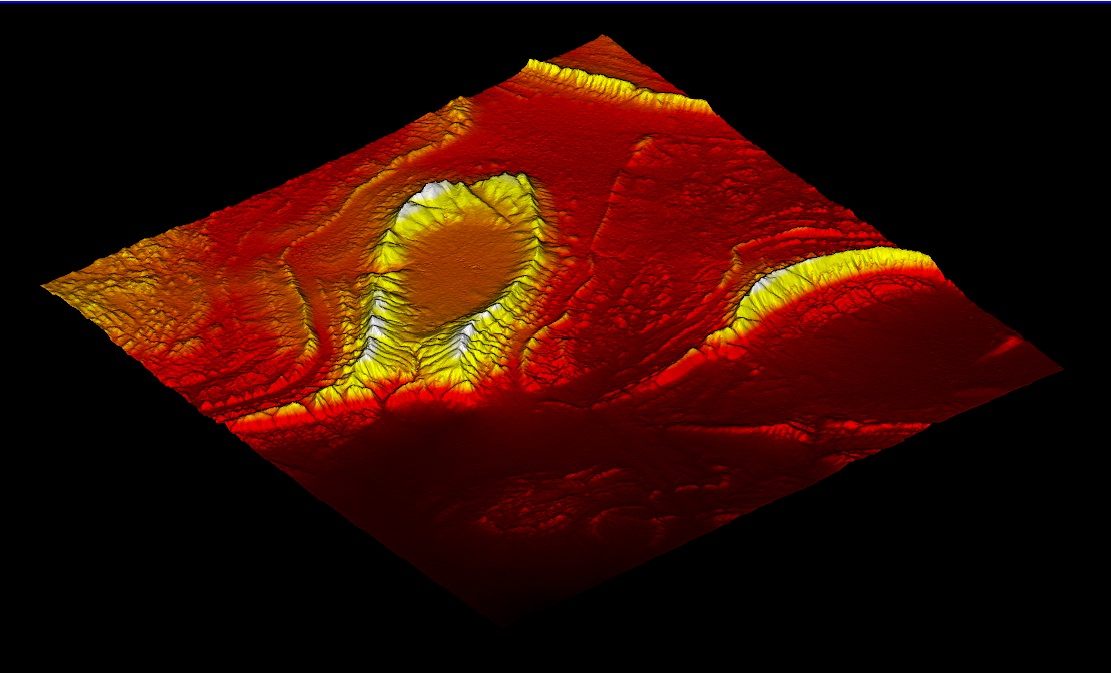
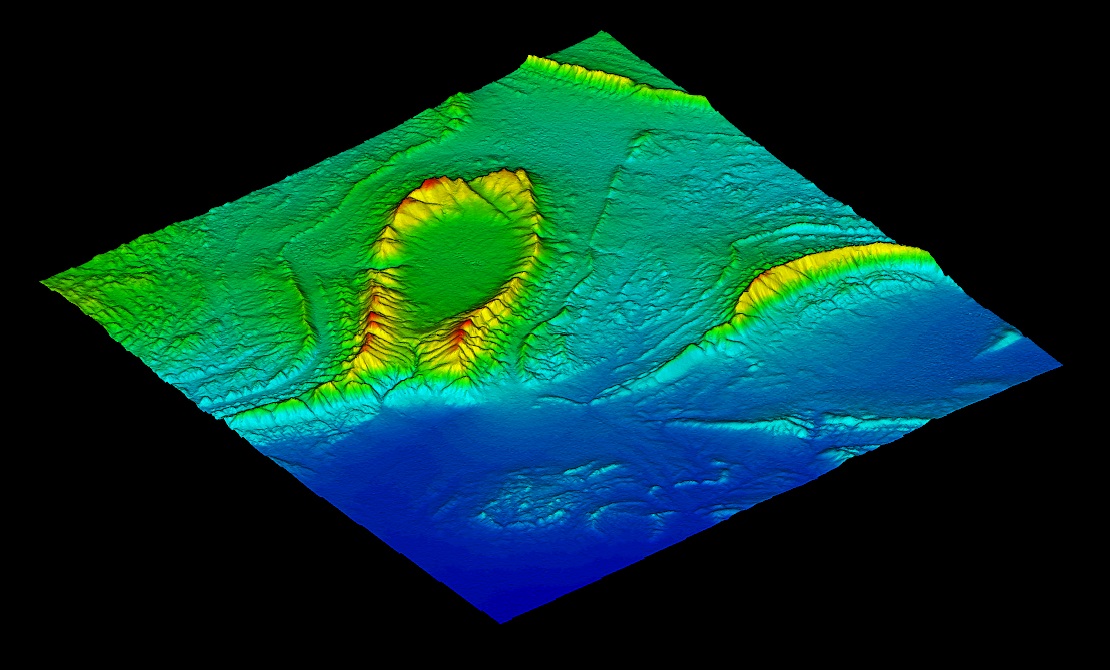
Predefined colour schemes are a convenient way to quickly colour data without having to configure a colour map. Colour schemes can be applied to any primitive attribute by name. For example, a surface could be coloured by a dip attribute associated with each of its facets, or a block model could have its blocks coloured by a mineral grade. There are many predefined colour scheme available in the SDK, some of which are shown below. See ColourScheme in the API reference for a comprehensive list of colour schemes.
|
|
|
|
|
A surface coloured by height with various colour schemes, from left to right: cartographic, greyscale, heat, and spectrum. |
|||
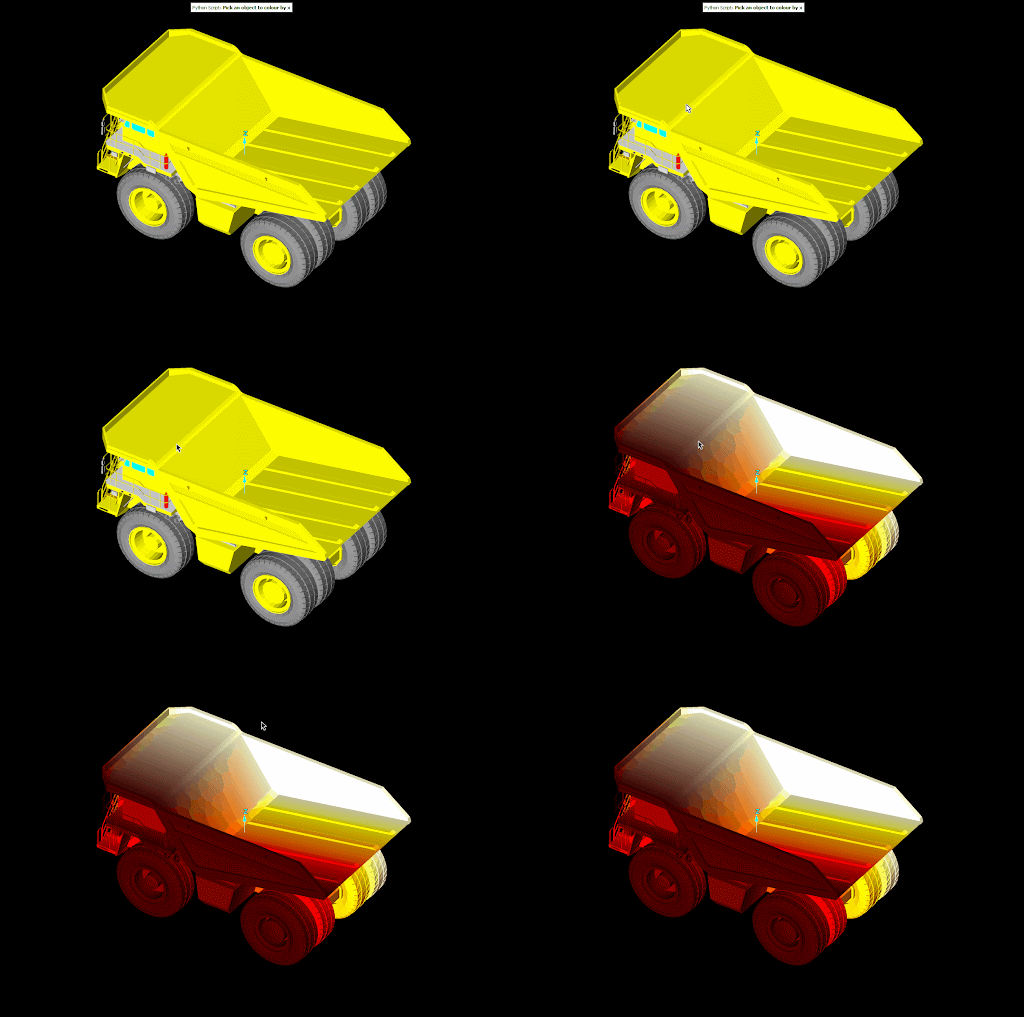
To apply a colour scheme, call the PrimitiveAttributes.apply_colour_scheme() function on a primitive attribute array, supplying the name of the attribute to colour and the desired colour scheme. The following example script asks the user to pick and object, which it then colours by X coordinate using the ColourScheme.HEAT colour scheme:
from mapteksdk.project import Project
from mapteksdk.operations import object_pick
from mapteksdk.data import Surface, ColourScheme

NAME = "POINT_X"

def main(project: Project):
    oid = object_pick(label="Pick an object to colour by x", object_types=Surface)
    with project.edit(oid) as picked_object:
        picked_object.point_attributes[NAME] = picked_object.points[:, 0]
        picked_object.point_attributes.apply_colour_scheme(NAME, ColourScheme.HEAT)

if __name__ == "__main__":
    with Project() as main_project:
        with main_project.undo():
            main(main_project)
The animation below demonstrates the effect of running this script.
Applying a random tint
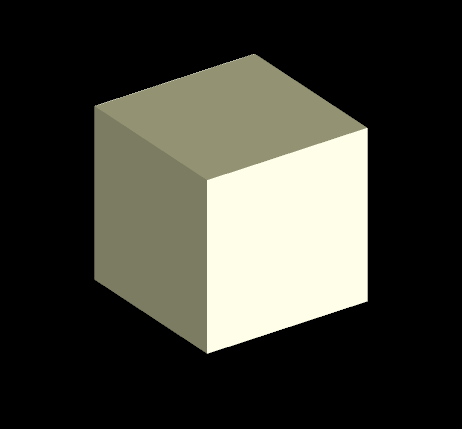
The apply_random_tint() method chooses a random colour and applies it to an object. This method is available on most object types in the SDK, including CAD objects, point sets, scans, and block models. The following script demonstrates creating a cube surface and applying a random tint to it:
from mapteksdk.project import Project, OverwriteMode
from mapteksdk.data import Surface
from mapteksdk.operations import open_new_view

def main(project: Project):
    with project.new(
        "random tint/cube", Surface, overwrite=OverwriteMode.UNIQUE_NAME
    ) as surface:
        surface.points = [
            [-0.5, -0.5, -0.5],
            [-0.5, -0.5, 0.5],
            [-0.5, 0.5, -0.5],
            [-0.5, 0.5, 0.5],
            [0.5, -0.5, -0.5],
            [0.5, -0.5, 0.5],
            [0.5, 0.5, -0.5],
            [0.5, 0.5, 0.5],
        ]
        surface.facets = [
            [0, 2, 1],
            [1, 2, 3],
            [4, 5, 6],
            [5, 7, 6],
            [0, 1, 5],
            [5, 4, 0],
            [1, 3, 5],
            [5, 3, 7],
            [2, 7, 3],
            [7, 2, 6],
            [0, 6, 2],
            [4, 6, 0],
        ]
        surface.apply_random_tint()
    open_new_view([surface.id])

if __name__ == "__main__":
    with Project() as main_project:
        main(main_project)
Running the script multiple times will result in a different coloured cube each time. The image below shows the result of one such run.
Note: The apply_random_tint() method chooses from a relatively small number of predefined colours. When applied to many objects, the chance of a colour being duplicated is more likely than might be expected due to the birthday paradox. For example, in a room of 23 people, there's a greater than 50% chance that two people will share a birthday. Since the number of colours used in apply_random_tint() is less than 365, duplicate colours will likely appear in fewer than 23 calls.
