

Setting an Object’s Appearance
A geometric object’s Topology.appearance property defines the way it is visualised in a view window. For example, a textured surface can be visualised as points only, as a wireframe, as a flat-shaded or smooth-shaded surface, or as a surface with a texture applied.
Setting the appearance
The following script demonstrates creating a cubic surface and displaying it with a wireframe appearance:
from mapteksdk.project import Project, OverwriteMode
from mapteksdk.data import Surface, Appearance
from mapteksdk.operations import open_new_view


points = [[-0.5, -0.5, -0.5], [-0.5, -0.5, 0.5], [-0.5, 0.5, -0.5],
          [-0.5, 0.5, 0.5], [0.5, -0.5, -0.5], [0.5, -0.5, 0.5],
          [0.5, 0.5, -0.5], [0.5, 0.5, 0.5],]

facets = [[0, 2, 1], [1, 2, 3],
          [4, 5, 6], [5, 7, 6],
          [0, 1, 5], [5, 4, 0],
          [1, 3, 5], [5, 3, 7],
          [2, 7, 3], [7, 2, 6],
          [0, 6, 2], [4, 6, 0]]


def main(project: Project):
    with project.new("cad/cube", Surface, overwrite=OverwriteMode.UNIQUE_NAME) as cube:
        cube.points = points
        cube.facets = facets
        # Save the cube to update the supported feature set.
        cube.save()
        cube.appearance = Appearance.WIREFRAME
    open_new_view([cube.id])


if __name__ == "__main__":
    with Project() as main_project:
        main(main_project)
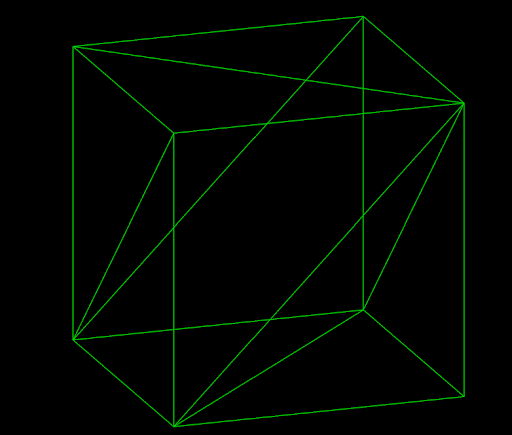
The cube has the following appearance in the newly opened view:
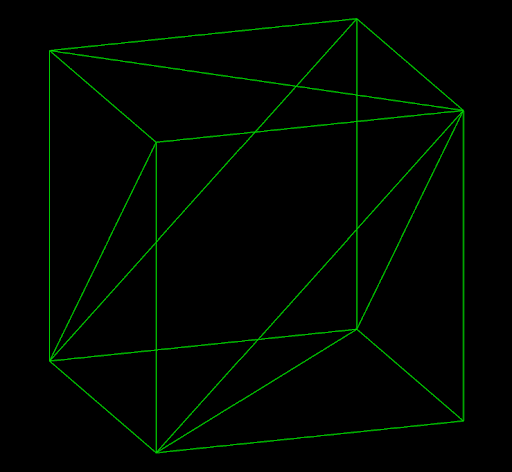
By setting the appearance to Appearance.WIREFRAME, the cube is displayed in wireframe mode instead of the default defined by the application.
-
No object supports all appearances. See Determining supported appearances on this page to determine which appearances are supported by a particular object.
-
Attempting to assign an appearance not supported by an object is an error.
-
Changing the appearance of an object will change its appearance in all views. There is no way to assign appearances on a per-view basis.
Reading the appearance
The appearance of an object can be read from its appearance property. For example, the following script prints out the path and appearance of every selected object:
from mapteksdk.project import Project
from mapteksdk.data import Topology


def main(project: Project):
    topologies = project.get_selected().where(Topology)

    for topology_id in topologies:
        with project.read(topology_id) as topology:
            print(f"{topology_id.path} has appearance: {topology.appearance}")


if __name__ == "__main__":
    with Project() as main_project:
        main(main_project)
Example output:
/surfaces/cube 1 has appearance: Appearance.WIREFRAME
/surfaces/cube 2 has appearance: Appearance.FLAT_SHADED
/surfaces/cube has appearance: Appearance.TEXTURED
Determining supported appearances
The Topology.supported_appearances property contains the set of appearances supported by the object. The following script demonstrates reading the supported appearances for every selected object:
from mapteksdk.project import Project
from mapteksdk.data import Topology


def main(project: Project):
    topologies = project.get_selected().where(Topology)

    for topology_id in topologies:
        with project.read(topology_id) as topology:
            supported_appearances = ",".join(
                appearance.name for appearance in topology.supported_appearances
            )
            print(f"{topology_id.path} supports appearances: {supported_appearances}")


if __name__ == "__main__":
    with Project() as main_project:
        main(main_project)
Example output:
/cad/points supports appearances: POINTS
/surfaces/cube 1 supports appearances: FLAT_SHADED,SMOOTH_SHADED,WIREFRAME,POINTS
/surfaces/cube supports appearances: POINTS,TEXTURED,FLAT_SHADED,SMOOTH_SHADED,WIREFRAME
In particular, though /surfaces/cube and /surfaces/cube 1 are both surfaces, only the former supports the Appearance.TEXTURED appearance. This is because a surface can only use the textured appearance if there is a raster associated with it. Thus, even objects with the same type may have different supported feature sets depending on the state of the object.
-
Many objects must be saved before their appearance can be set. This is because for many objects, whether an appearance is supported is based on the geometry of the object.
For example, most objects allow the Appearance.POINTS appearance if the object contains points. However, a newly created surface contains no points, and thus the Appearance.POINTS appearance is not supported. In this case, the Appearance.POINTS appearance is only available after the surface has been saved for the first time.
-
The order of values in the appearance set will vary each time the property is queried.
-
To check if an appearance is supported, use the following code template:
if Appearance.WIREFRAME in topology.supported_appearances:
Supported Appearances
The appearances supported by the SDK (as of 1.8) are as follows:
| Appearance | Description | Example |
|---|---|---|
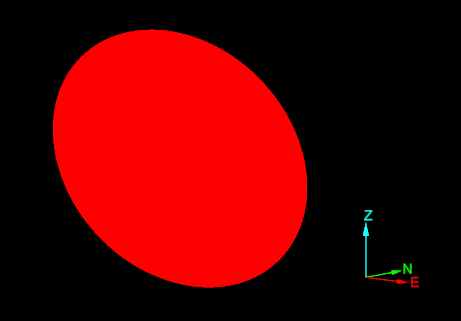
| Simplified geometry. This is used for Discontinuity objects. |
|
|
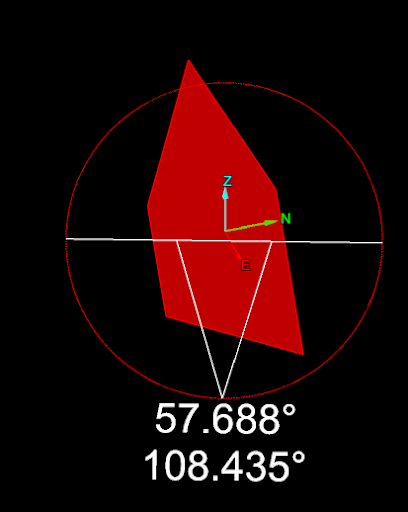
| The object is displayed with annotations. |
|
|
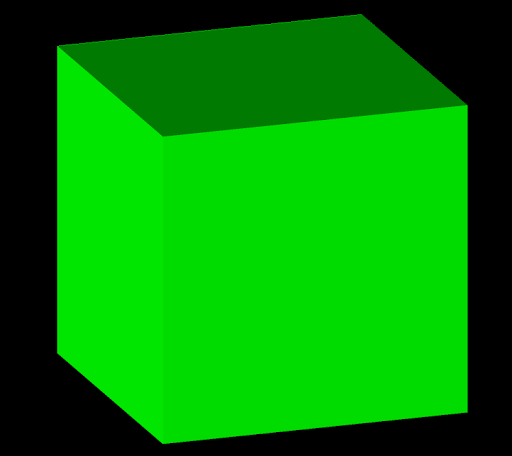
| The object is shaded in a basic manner to give a three-dimensional appearance. Each face of the surface is coloured uniformly. |
|
|
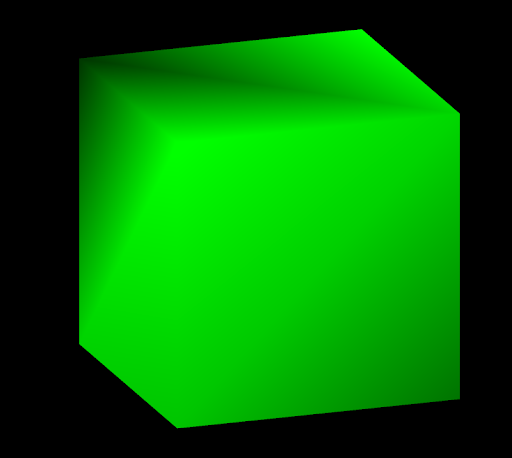
| The object is shaded with gradual transitions of light and colour. |
|
|
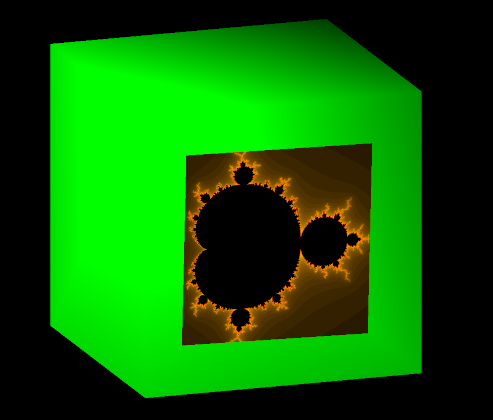
| Raster images associated with the object are displayed. |
|
|
| Only the edges of the object are displayed. Other primitives are hidden. |
|
|
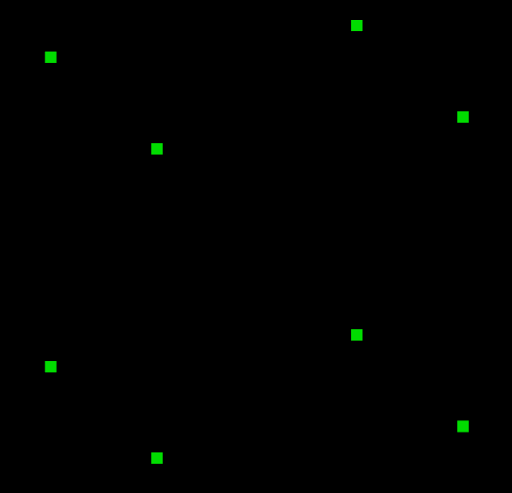
| Only the points of the object are displayed. Other primitives are hidden. |
|
