

Basic operation
Source file: basic-operation.htm
Setup
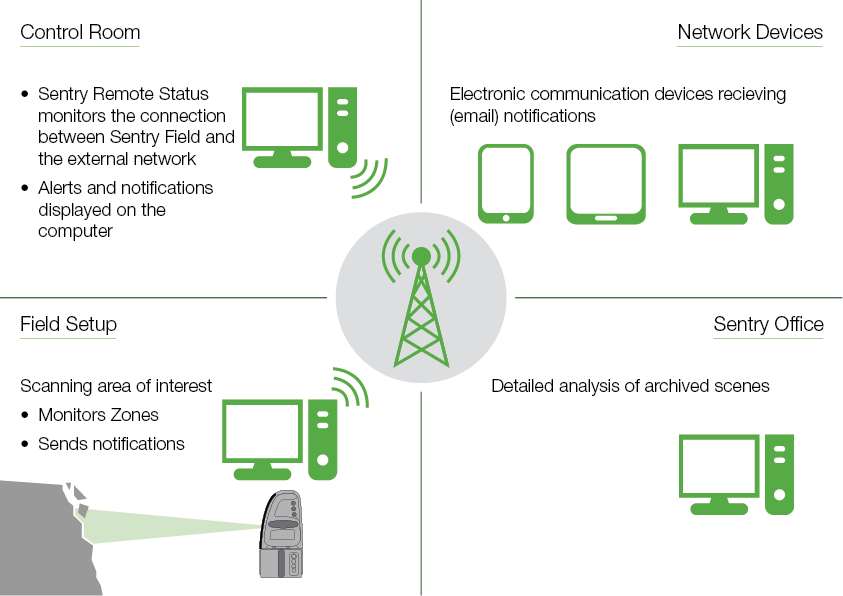
The minimum setup includes the Maptek Sentry Field software installed on a laptop computer, a Maptek laser scanner and an enclosure. Sentry Field is the software that manages the entire scanning and response process.
Initial monitoring and analyses may be conducted without communications links to remote devices. However, a communications link is required if alarms or warning messages are to be monitored remotely.
|
|
|
Sentry Field detects movement in situ and sends notifications to the control room or other network devices |
Was this page helpful?
