Surface Boundaries

The Surface Boundaries
tool creates edge loops  or edge networks
  that define the boundaries of a surface.
Create a surface boundary as follows:
-
On the Query tab, in the Boundary group, click
 Surface Boundaries. Alternatively, on the
Create tab, in the Topography group, click Surface Boundaries.
Surface Boundaries. Alternatively, on the
Create tab, in the Topography group, click Surface Boundaries.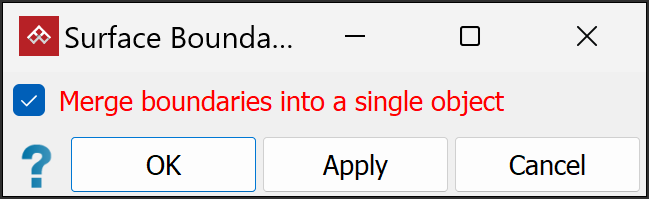
- Select or clear
Merge boundaries into a single object, as required:
Select to include all loops in a single edge network
.Clear to create the edge loops as separate edge loops
.
Or
-
Click OK or Apply to finish.
|
|
|
|
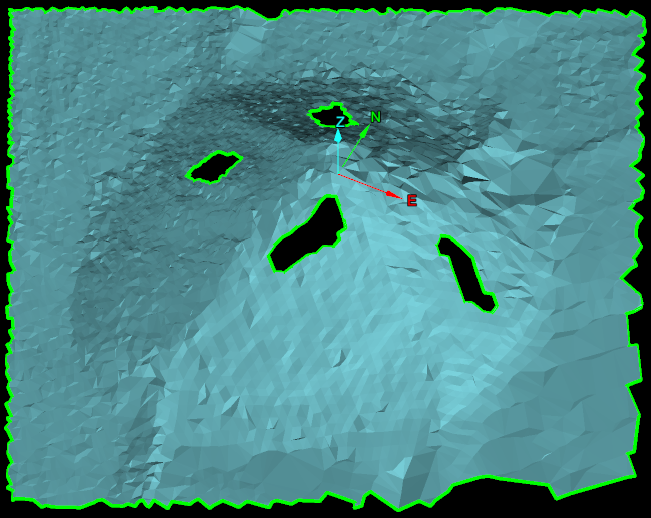
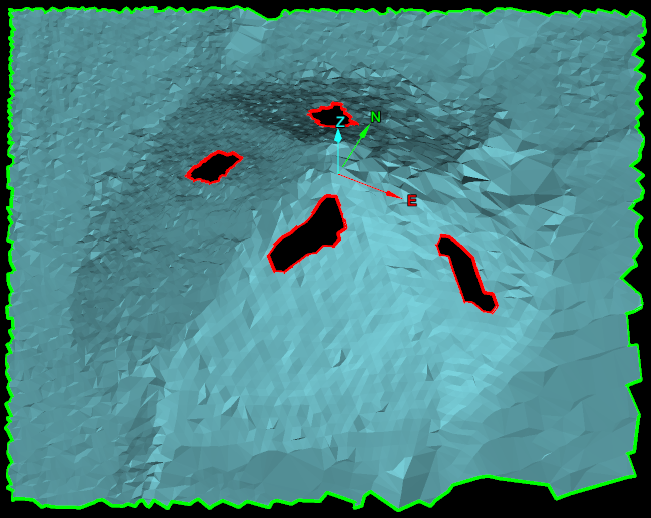
Surface boundaries have been created as a single edge network (left) and as edge loops (right). Edges are represented in green and holes in the surface are represented in red. |
|