

BlastLogic Preferences
Source file: configuring-preferences.htm
Use the Preferences panel to set preferences such as units, coordinate systems, and view window defaults.
You can navigate to the Preferences panel using the following methods:
-
Click on the
 Maptek launch button and go to Preferences >
  BlastLogic Preferences.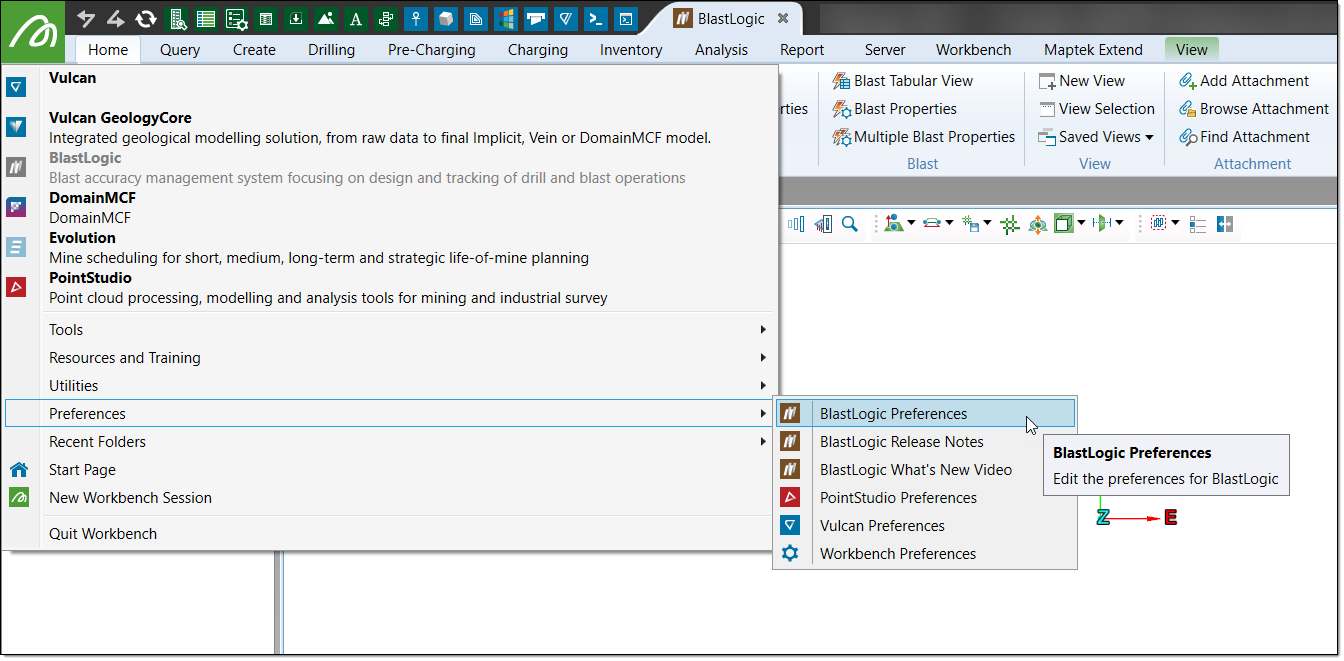
-
On the Home tab, in the Setup group, select
 Preferences.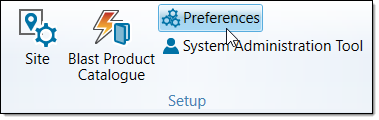
-
Click on the
 (Preferences) button in the Workbench ribbon and select BlastLogic Preferences.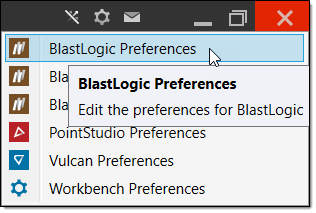
For more information on configuring preferences in BlastLogic, see Preferences.
Was this page helpful?
